Securand
How can a visitor supply everything needed for a quote without speaking to a salesperson?
A new website for a security company, Securand, where visitors put together a quote request themselves or ask about patrol coverage at a specific address.
- Client
- Securand
- Services
- Websites, Business systems
- Sector
- Security
- Website
- securand.pl
as of September 2026
The situation before
Securand provides physical and technical security, from security systems and CCTV to response patrols, detective services and working dogs. It runs its own monitoring centre and patrols on standby around the clock. The old site ran on WordPress with a bought template that limited each section's layout and adding services.
Enquiries had no common inbox, and the AlertMe alarm app was about to launch with a site of its own. The home page was to become a sales page, led by the AlertMe subscription. The work covered a rebuild from scratch, quote configurators and handling enquiries from both sites.
Questions the project had to answer
- How can staff know at once what each enquiry is about?
- How can coverage questions be taken so that staff receive an exact address?
Scope of work
- A new site built from scratch
- Content moved from the old site
- Visual design and typography
- Motion on scroll
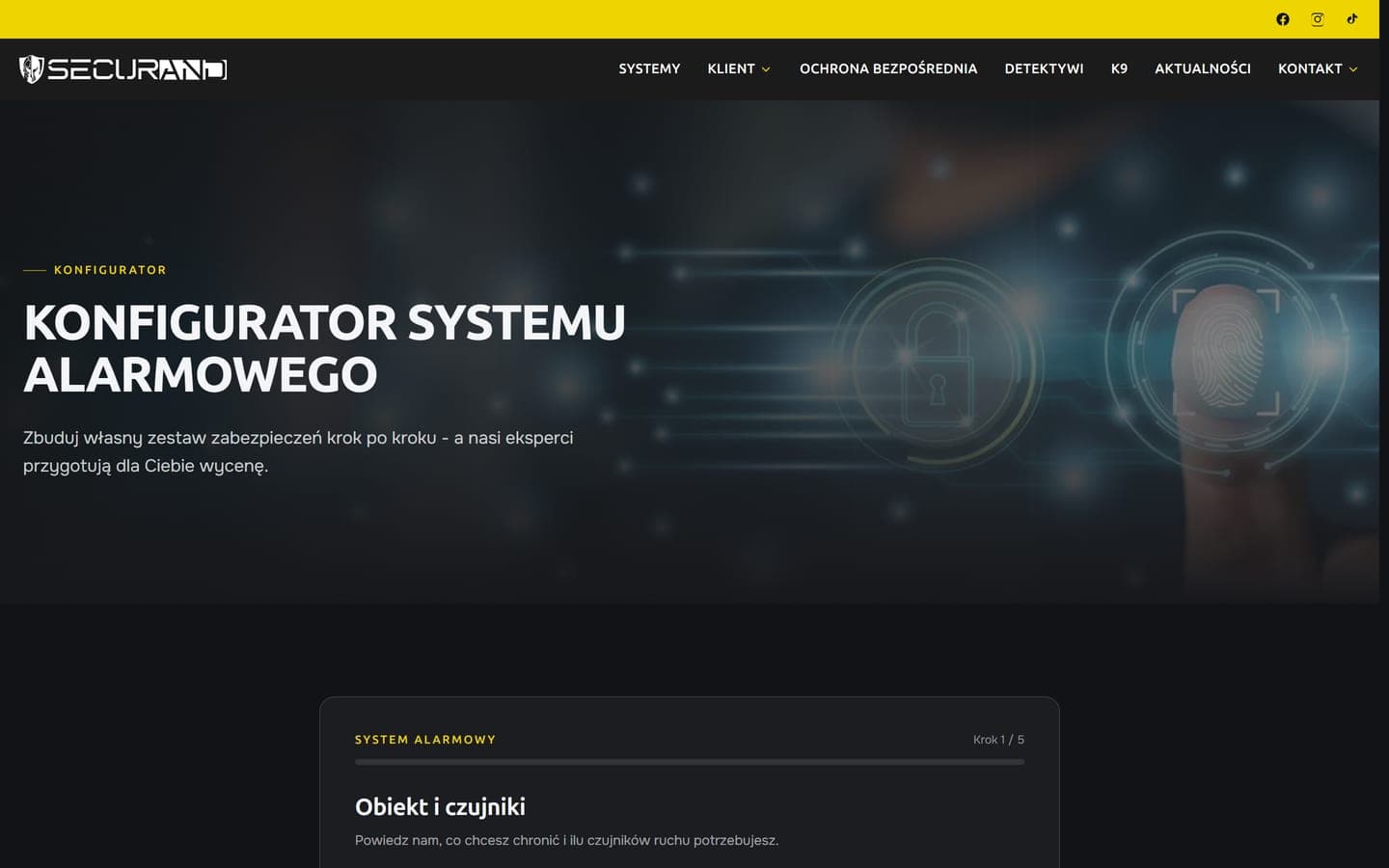
- Three quote configurators
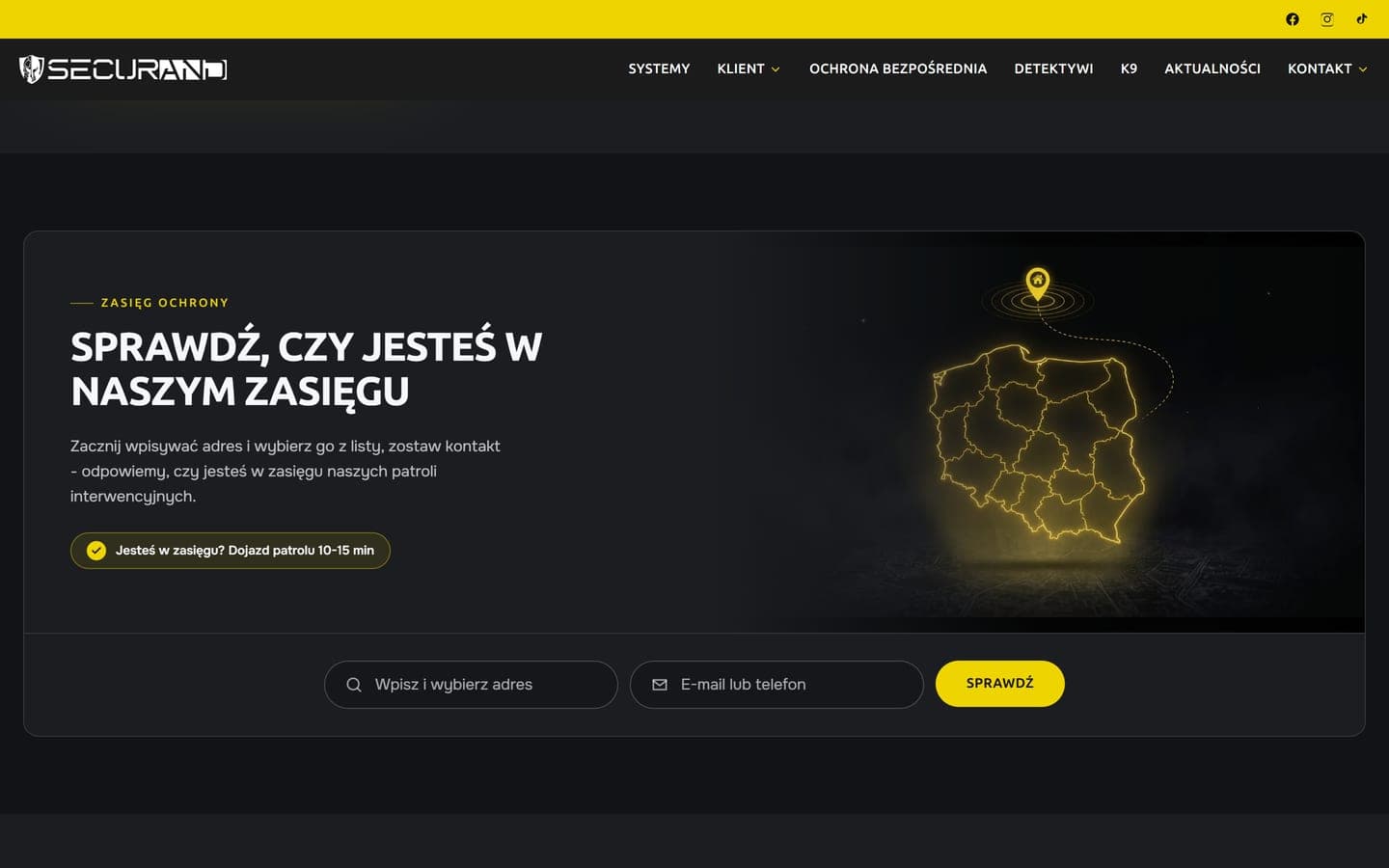
- Coverage enquiry with address suggestions
- Enquiry inbox for both sites on a control room computer
Connected services
- Next.js
- Vercel
- Supabase
How we did it
A design fitted to the offer
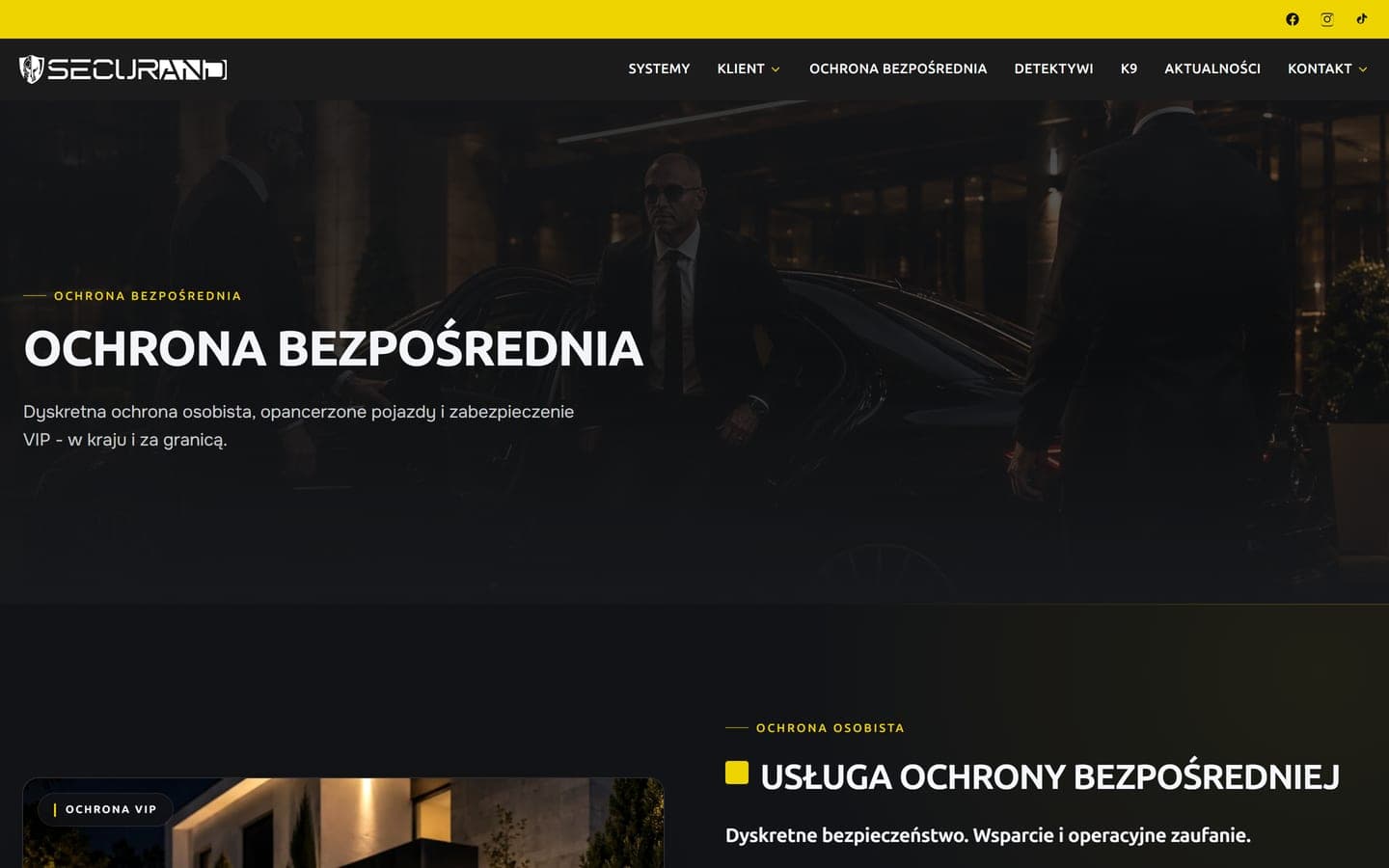
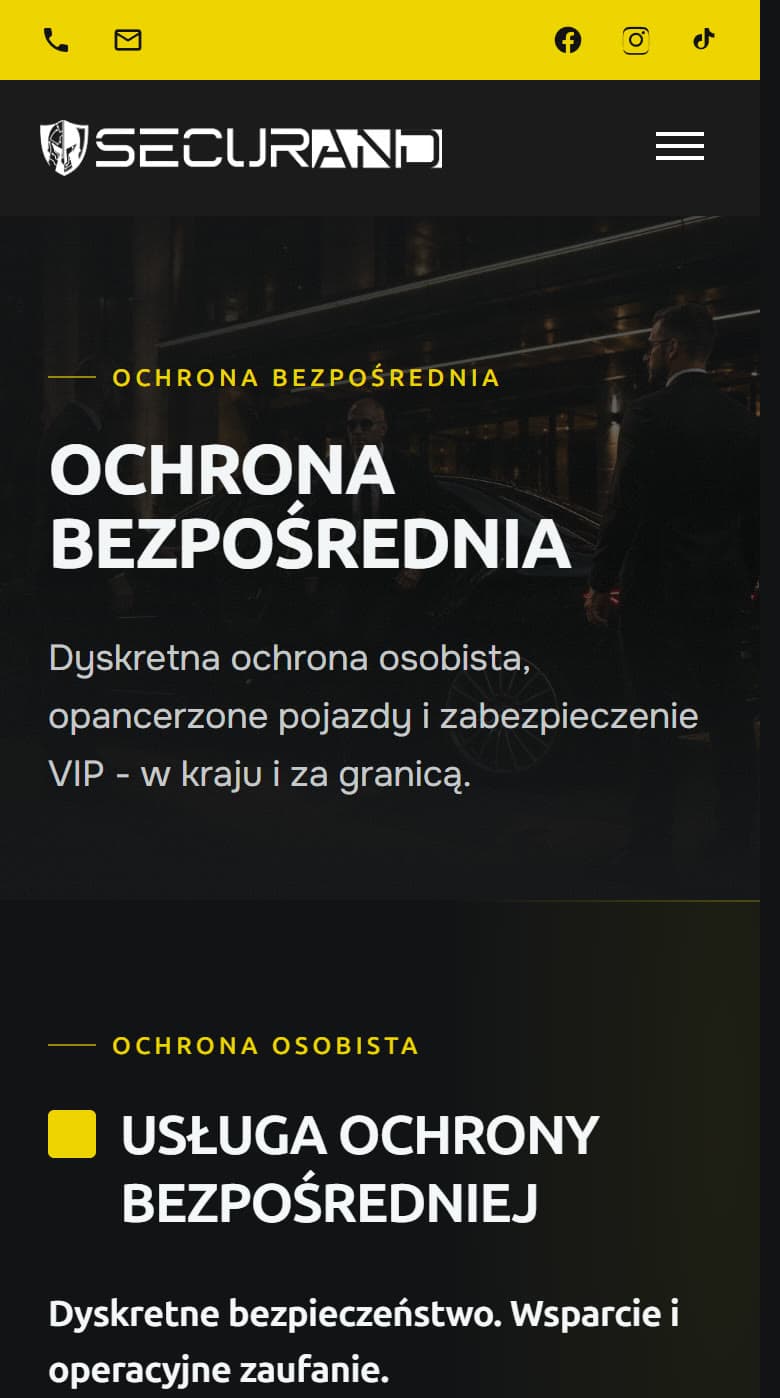
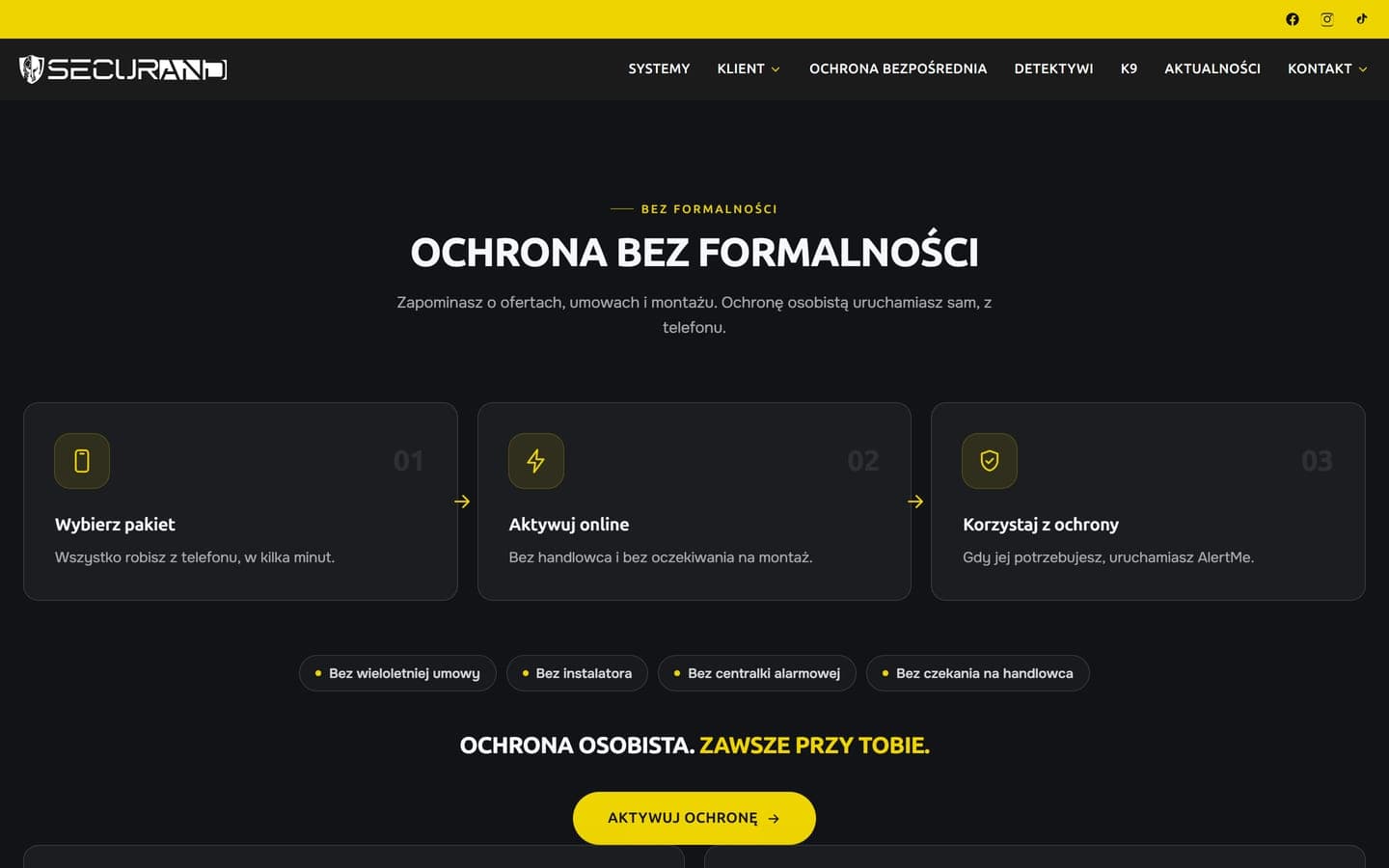
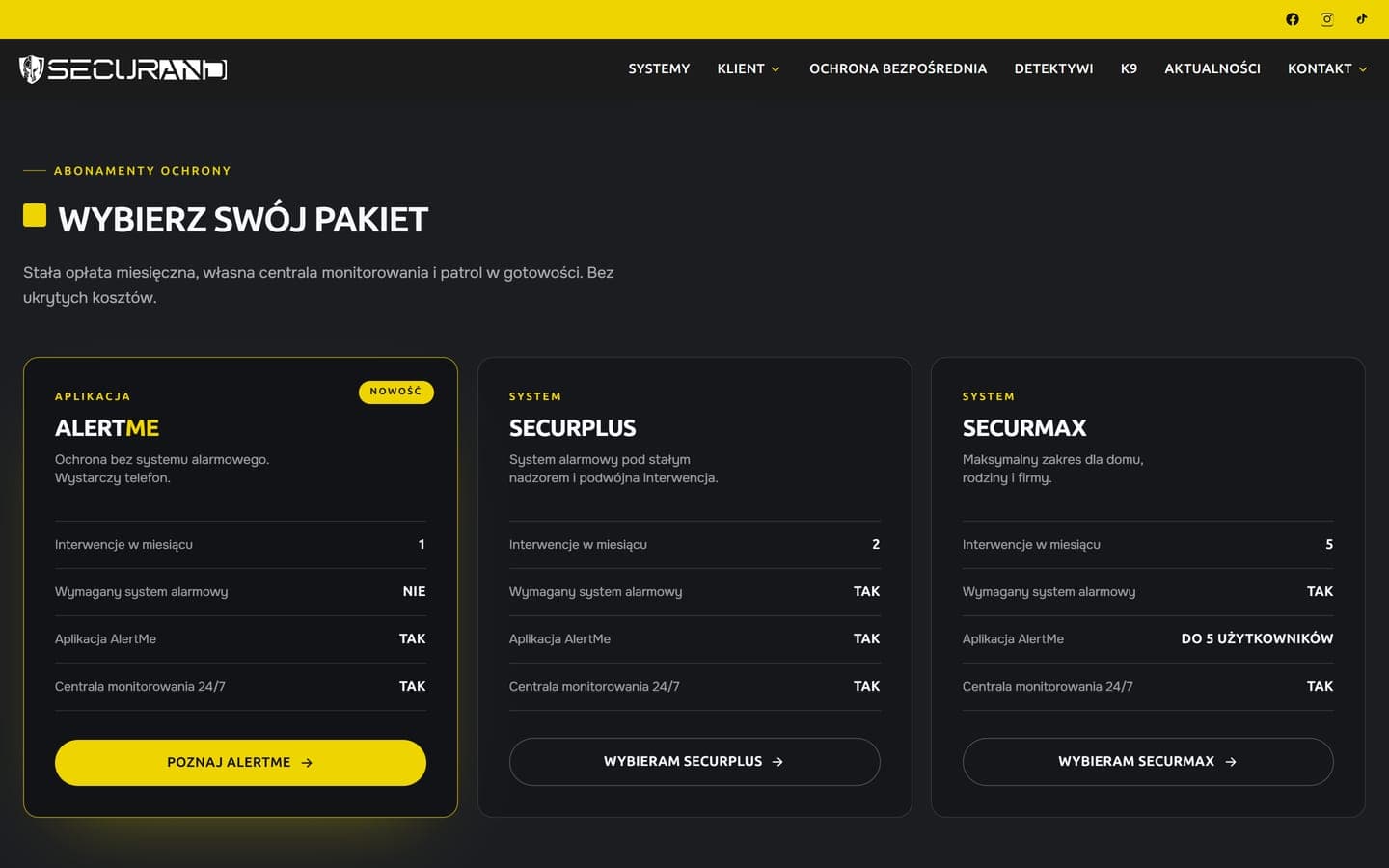
The new design was built on the content of the old site's fifteen pages, carried over with its photographs to the existing addresses. The home page leads from the AlertMe subscription and packages, via the coverage check and a configurator, to service tiles opening full service pages. Further down come the patrol section, a contact form and a link to the news section.
On the security systems page a visitor picks a property type, a house, flat, business or housing estate, and sees its visualisation with the recommended set of systems. Every section has a layout suited to its content, so the price list and configurators are not squeezed into a bought template. A dark palette around the company yellow, new typography and motion on scroll tie it together. Motion switches off for people who ask their device for less animation. We built the site in Next.js.
Configurators and coverage
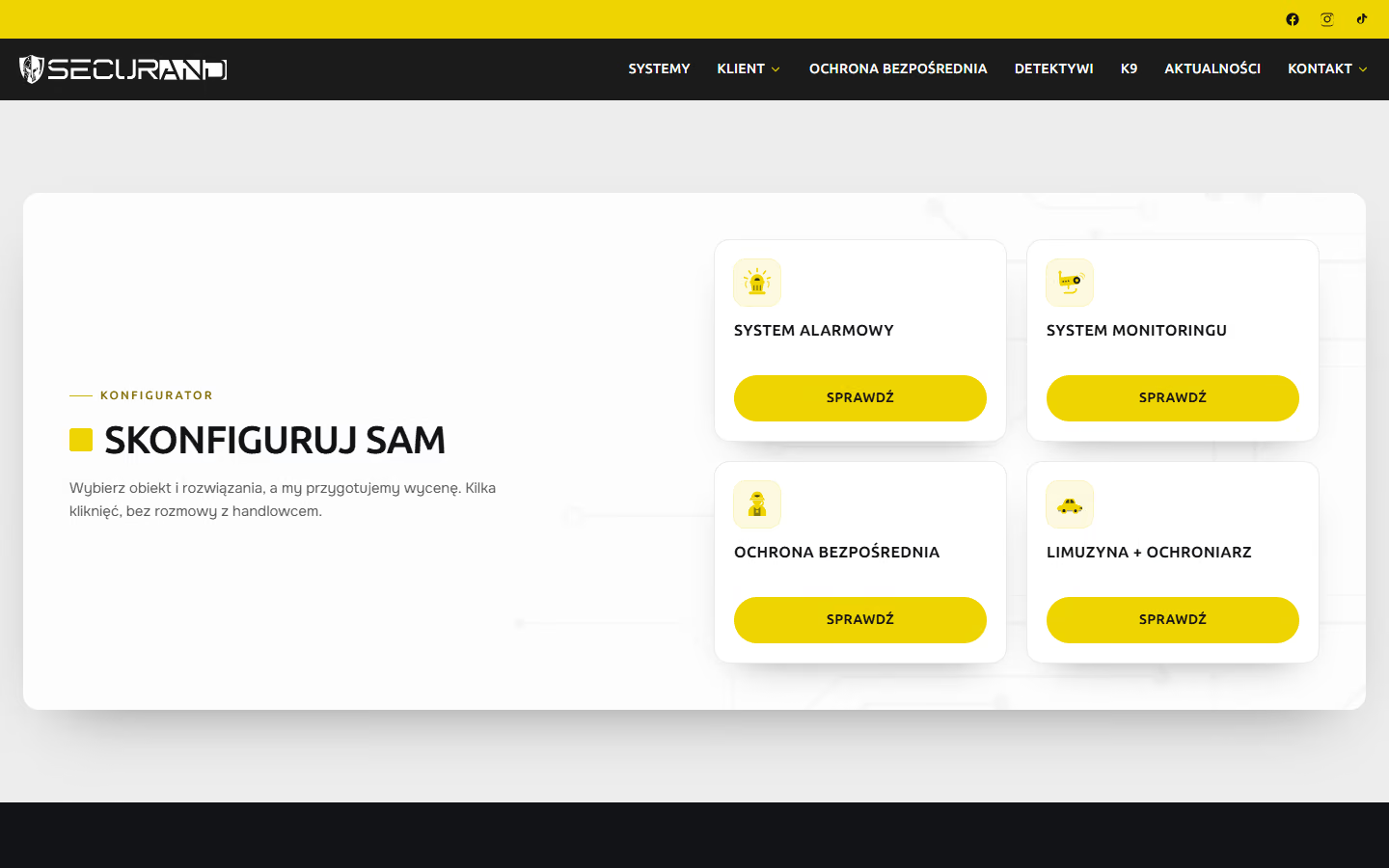
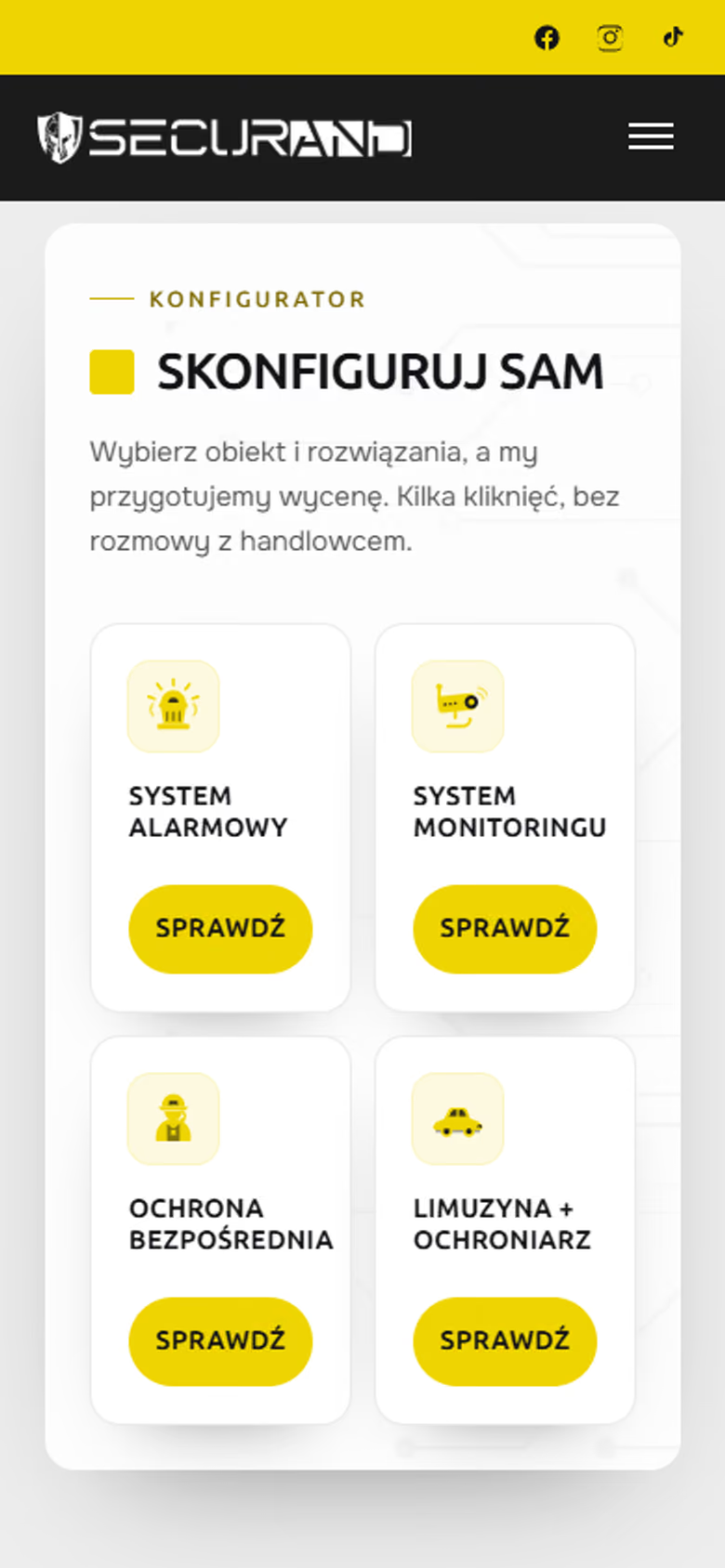
Three configurators take a visitor from the first question to a complete quote request. The home page starts the visitor with a choice of four routes, from an alarm system to a bodyguard with a car. For an alarm system the configurator asks about rooms on each floor, pets and a fireplace, which affect sensor choice, and how it is controlled. CCTV questions cover the number of cameras and distance to the recorder, close protection the number of people, guards and vehicles.
Each step checks the answers before letting the visitor move on, and number fields refuse negative values. After sending, visitors see a summary of their answers. The coverage question takes an address from OpenStreetMap suggestions, giving staff an exact point to check against patrol zones.
One enquiry inbox
One program on a control room computer receives contact forms from the service pages, configurators and coverage questions, plus messages from the AlertMe page. Each enquiry is stamped with site, page and type of matter, so staff tell a CCTV question from a job application with a CV at once. A home page window with the AlertMe offer collects contacts for the same inbox.
A new enquiry triggers an on-screen notification, and the program's side panel shows the number of new enquiries with filters by status and type. Staff set a status, add an internal note on what was agreed, search by name, email and content, and see the history of changes. The program runs on Windows, and the enquiries are stored in a Supabase database. A further form takes one change on our side.
Selected screens
Planning a similar project? We give the exact price and timeline after a short conversation.
Ask for a quoteNext project
Pan Kotecki, online store
Shoppers put together a bundle in their chosen patterns and buy without an account, paying by card, BLIK or Przelewy24 inside the shop.