Securand AlertMe
How can a payment on the site become a working app account without office work?
The AlertMe product site, selling a subscription online, where buyers get from choosing a plan to a working app account on their own.
- Client
- Securand
- Services
- Websites, Business systems
- Sector
- Security
- Website
- alertme.securand.pl
as of September 2026
The situation before
AlertMe was sold on a model built for premises security contracts, so office staff handled every order from the site, from receiving documents to account set-up. For a personal protection subscription, handling one order by hand cost more than the subscription earned in its first months.
One order may cover several people, each needing their own login and a photo the duty officer will know them by. Securand commissioned a product site where the whole purchase runs without the office, plus an order panel in the control room.
Questions the project had to answer
- How can a buyer's documents and consent be collected without sending them to outside services?
- How can extra patrol call-outs be charged without manual billing?
Scope of work
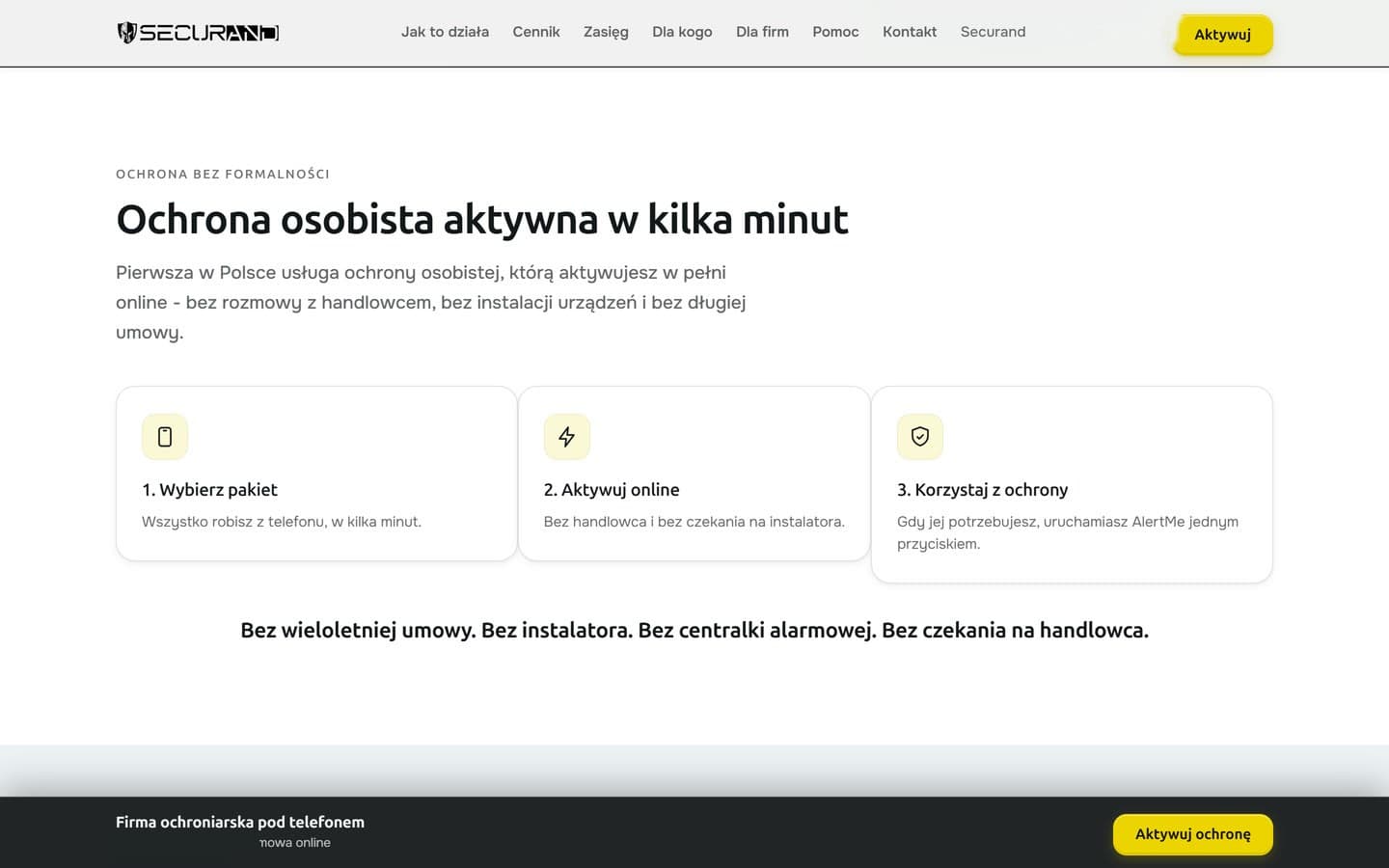
- Product site, eight pages with copy
- Seven-step purchase path
- Subscription and recurring payments
- Billing for extra patrol call-outs
- Document upload and contract acceptance
- App accounts created after payment
- Order panel for the control room
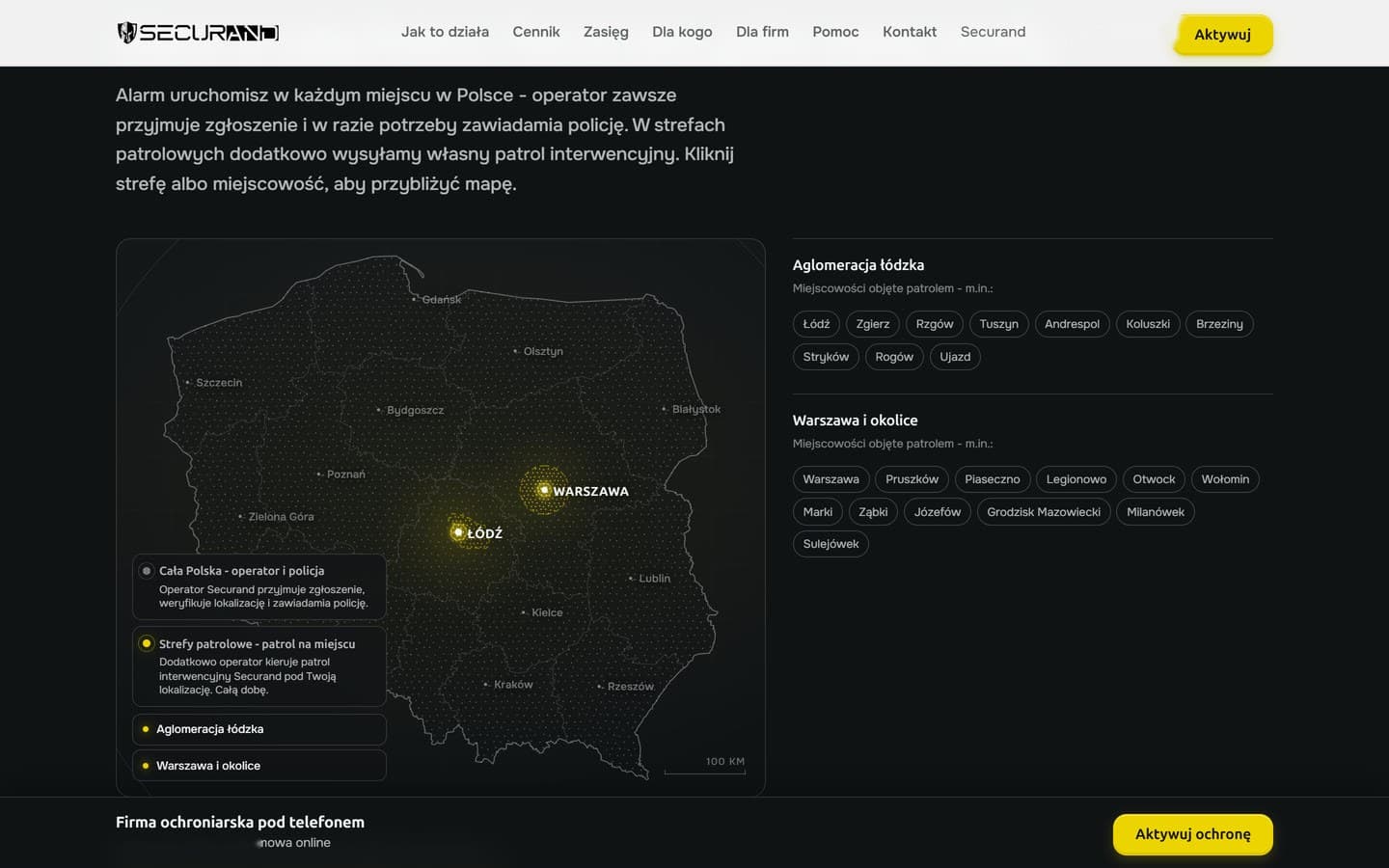
- Patrol zone map with border editor
Connected services
- Stripe
- Supabase
- Resend
- App Store
- Google Play
- Vercel
How we did it
Fewer points of abandonment
We began with where buyers walk away. They used to be sent to outside providers twice, to send identity documents and for an e-signature, the two commonest drop-off points. We moved both onto the site. Each person's face photo and an identity document are added in the same order window.
Consent is stored with its date and terms version, in case of a dispute. The payment step includes the notice of the right to withdraw, together with a model withdrawal form. Card details are entered at Stripe, so the site neither collects nor stores them.
Seven steps to activation
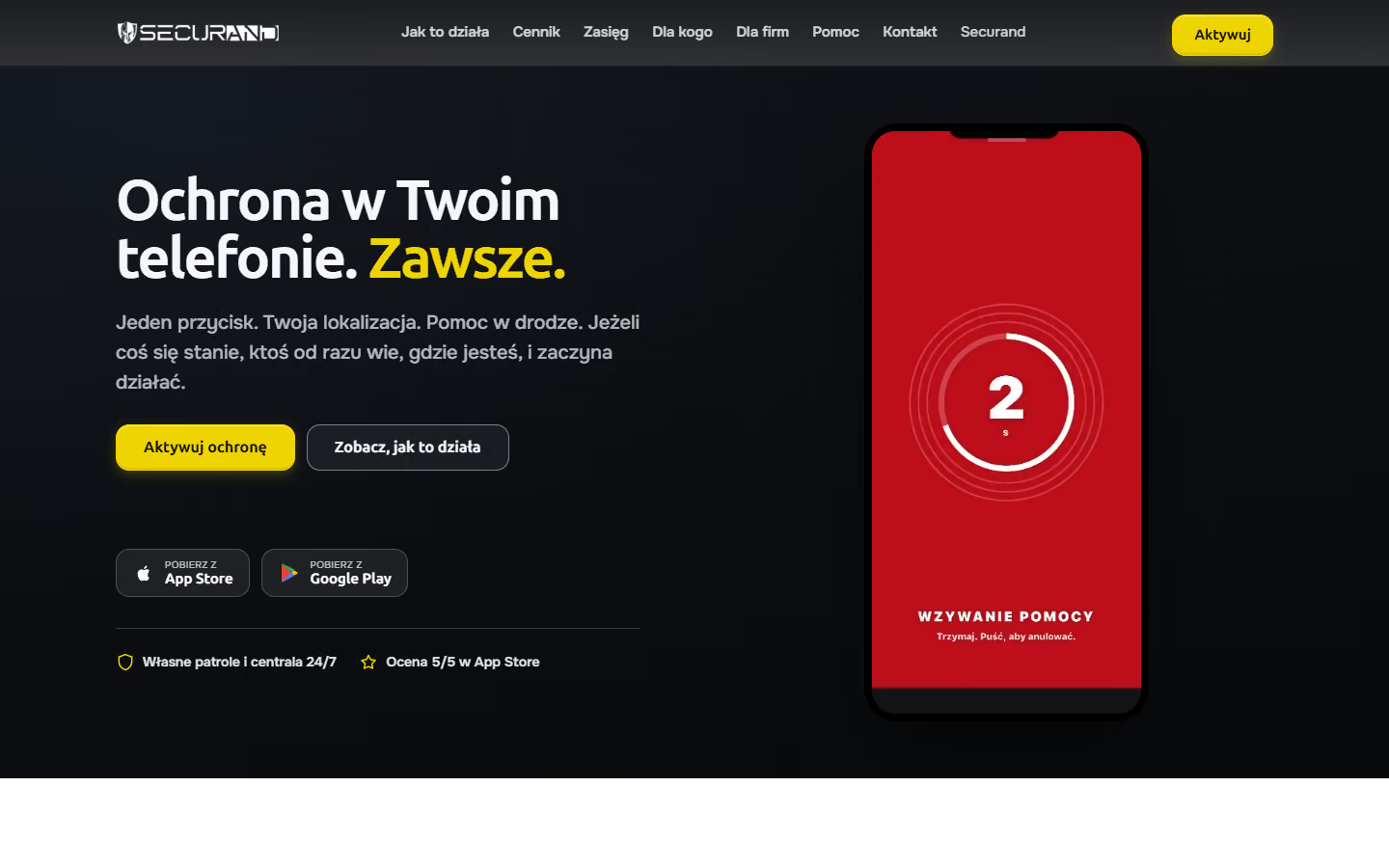
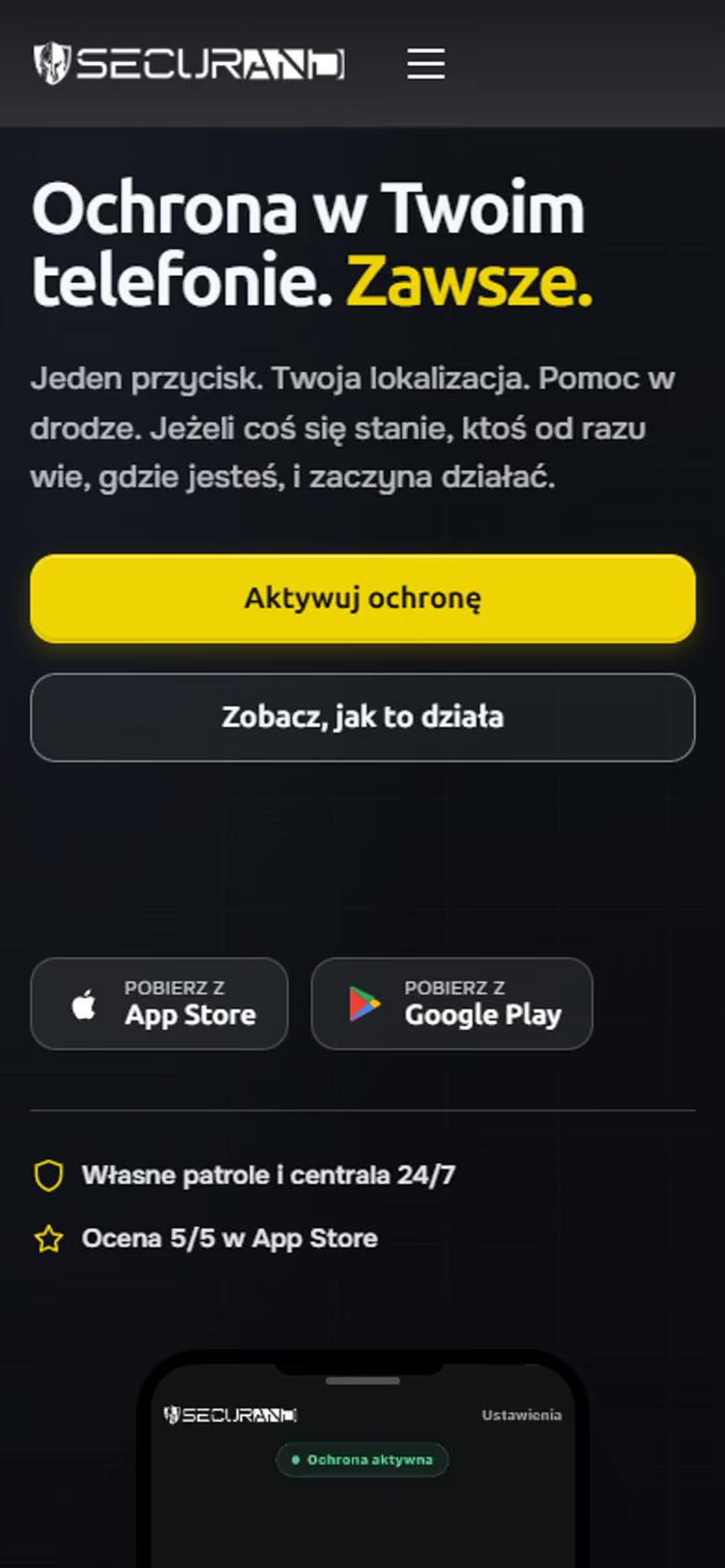
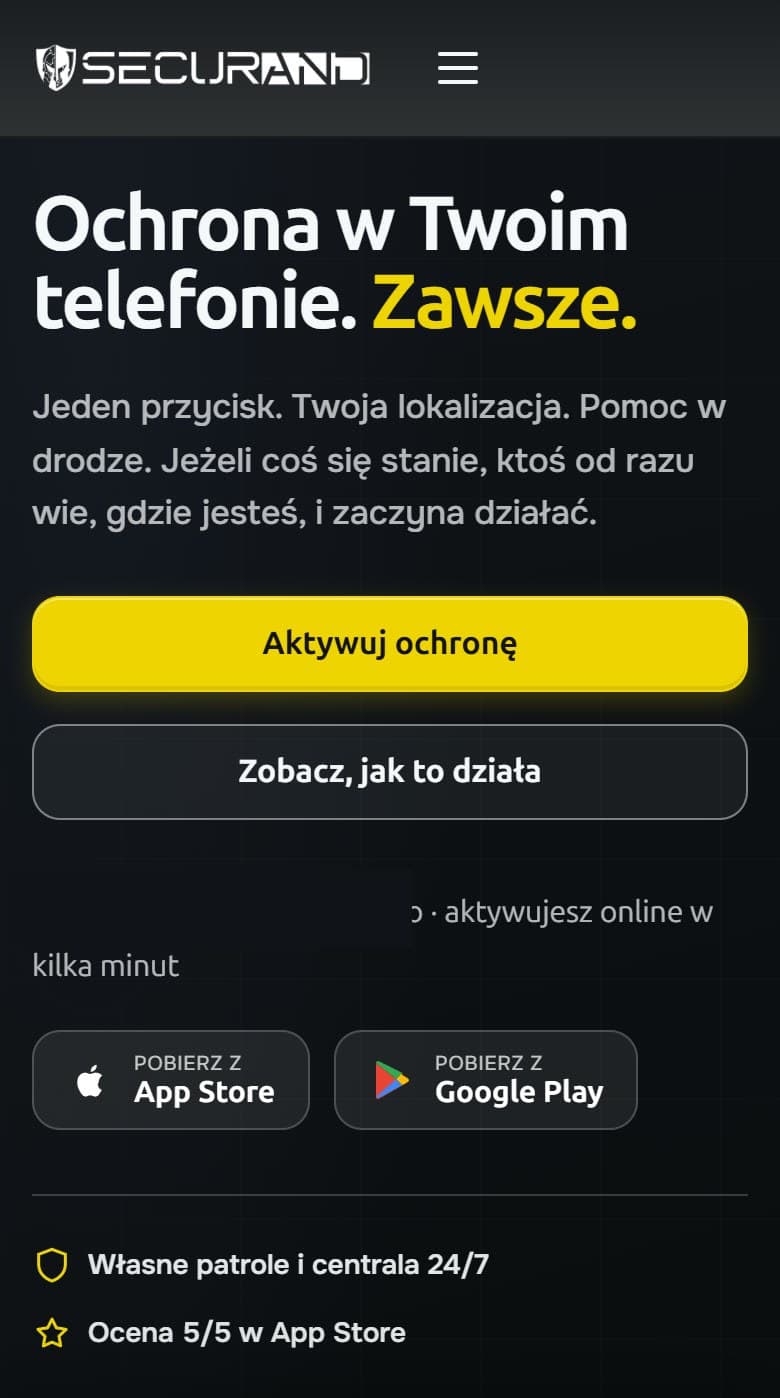
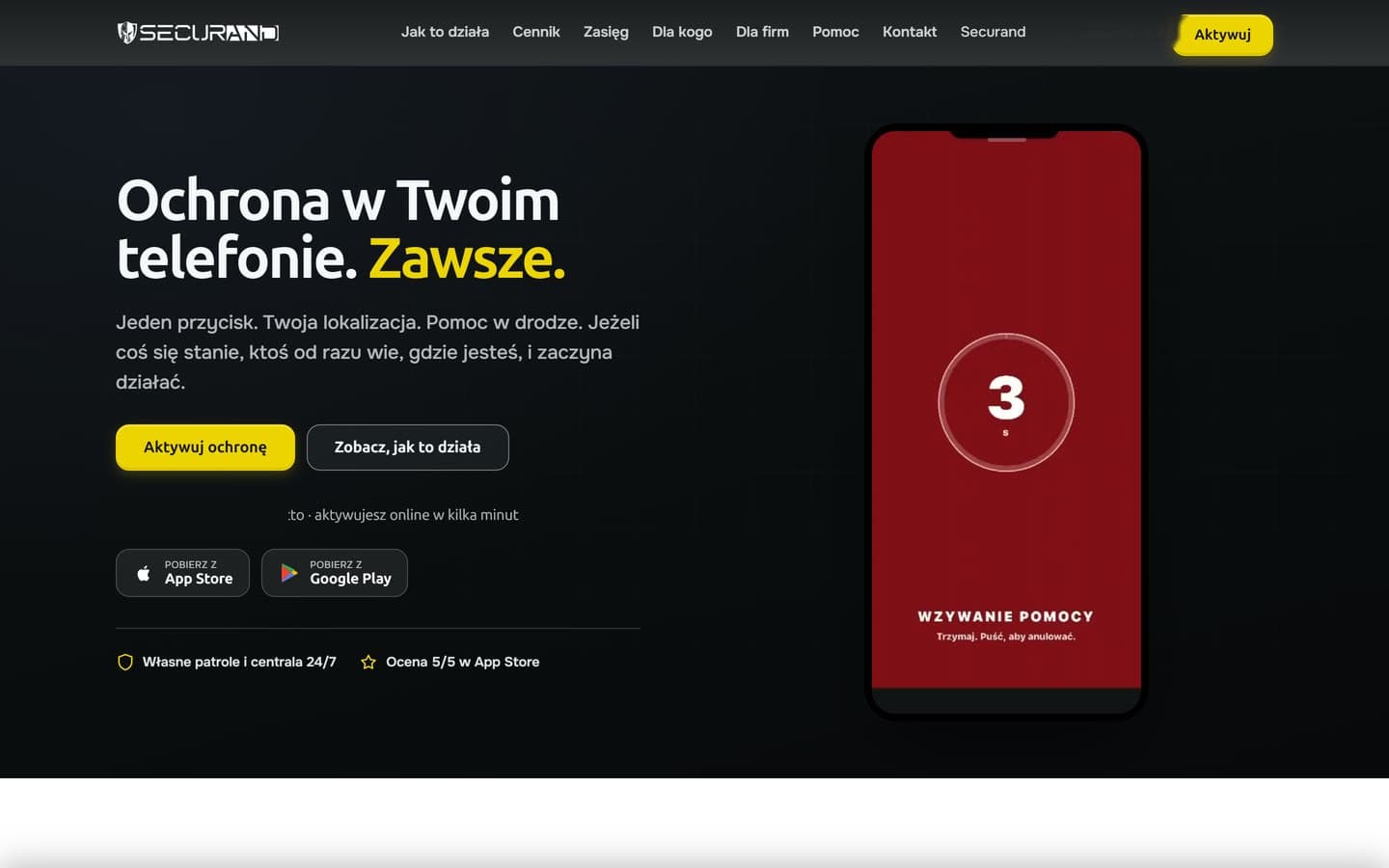
Seven steps lead from annual or monthly billing, the number of people and an optional foreign package, through a card payment at Stripe, to activation. The window has one source for all eight pages, so a fix to it applies everywhere at once. On phones it fills the screen, with the step buttons pinned at the bottom.
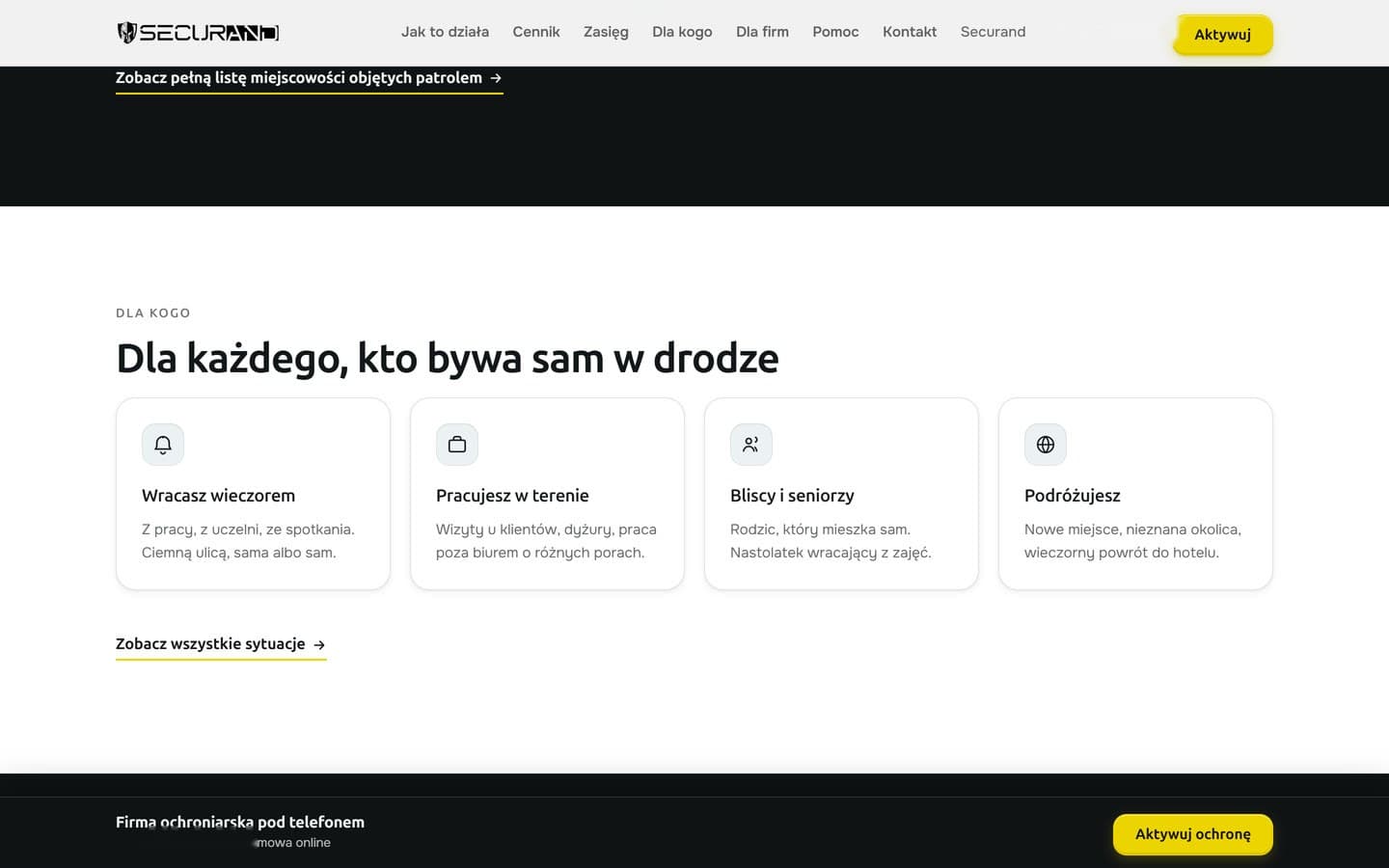
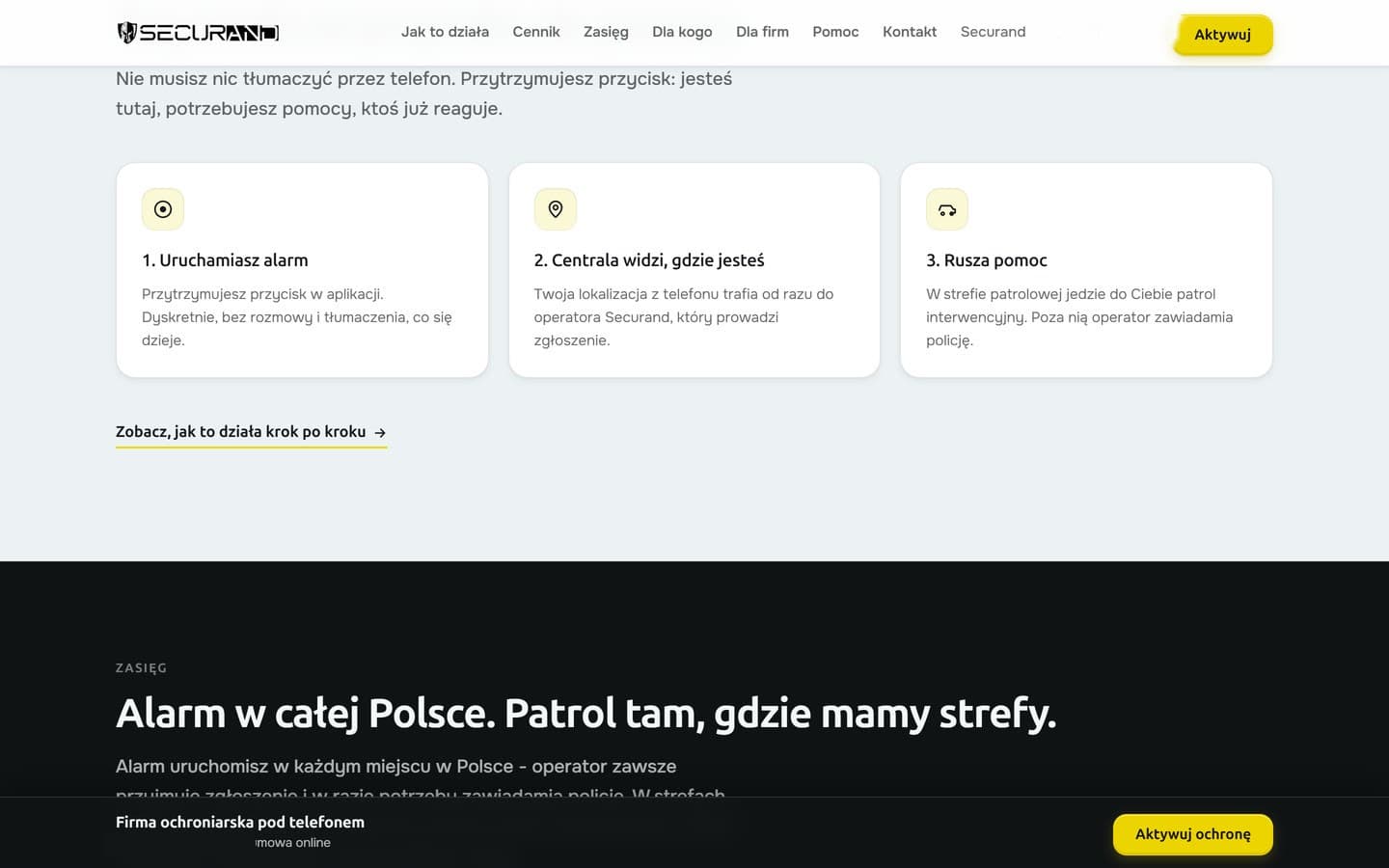
Eight pages lead from how the alarm works and who it is for to frequent questions and contact. The price list sets annual and monthly billing side by side in a comparison table. A bar with the price and order button appears after the first screen and hides at the footer. Companies protecting staff who work away from the office buy seats online on a separate page, and an adviser handles invoice payment or a custom quote.
Once payment clears, the order activates itself. The buyer signs in with the email and password from the purchase, and the others set a password from a link. A single welcome email confirms activation, explains how to sign in and walks through app installation, location permission and a test alarm.
Control room panel and patrol zones
The control room's order panel shows the number of people, billing, contract status, and the customer's photos and documents. Each night the system charges extra patrol call-outs to the saved card. A person added by hand by the control room administrator gets the same invitation and activation page as a customer from the site. Order details reach the app and the control room without retyping.
The coverage map shows patrol zones around Łódź and Warsaw with a list of towns. Securand adjusts their borders in the editor and sends back a file for the site. The alarm works across Poland, and patrols attend within the zones. Messages from the contact form go to Securand's enquiry inbox, the same one that takes enquiries from the company site. The account deletion page that Google Play requires removes the account together with incident files.
Selected screens
Planning a similar project? We give the exact price and timeline after a short conversation.
Ask for a quoteNext project
EMKACAR-SERVICE
Six service descriptions tell drivers whether the shop can do their repair, and four tips before a visit shorten the diagnosis.