AlertMe
How can a person be protected on the move, where there are no sensors or alarm panel?
An app for a security company, built for Securand on iOS and Android, with modes for protected people and patrols and a console for the 24-hour control room.
- Client
- Securand
- Services
- Mobile apps, Business systems
- Sector
- Security
- App in the stores
- App StoreGoogle Play
as of September 2026
The situation before
Securand, a licensed security company with a 24-hour alarm centre and response patrols around Łódź and in Warsaw, ordered personal protection that works away from any premises. Building security relies on sensors and a control panel, while a person on the move has only a phone, not always in coverage. The duty officer must know who is protected and where they are. In the wrong hands that data is more dangerous than no app.
The app does not replace the 112 emergency number and says so plainly. It is a second channel that passes the person's identity, photo and position straight to the control room, even when they cannot speak. The order covered the app for the protected person, a patrol view and the control room console.
Questions the project had to answer
- How can identity and a moving position reach the control room while staying protected as sensitive data?
- How can the time from alarm to dispatching the nearest free patrol be cut?
Scope of work
- iOS and Android app
- Panic button and gesture alarm
- Live location with the screen off
- Silent mode, chat and voice messages
- Patrol view with the course of the intervention
- Duty officer's console with alert queue and incident card
- Dispatch of the nearest free patrol
- Incident report and control room response times
- Release on the App Store and Google Play
Connected services
- Expo
- React Native
- TypeScript
- Kotlin
- Swift
- App Store
- Google Play
- Supabase
- Resend
How we did it
The protected person's app
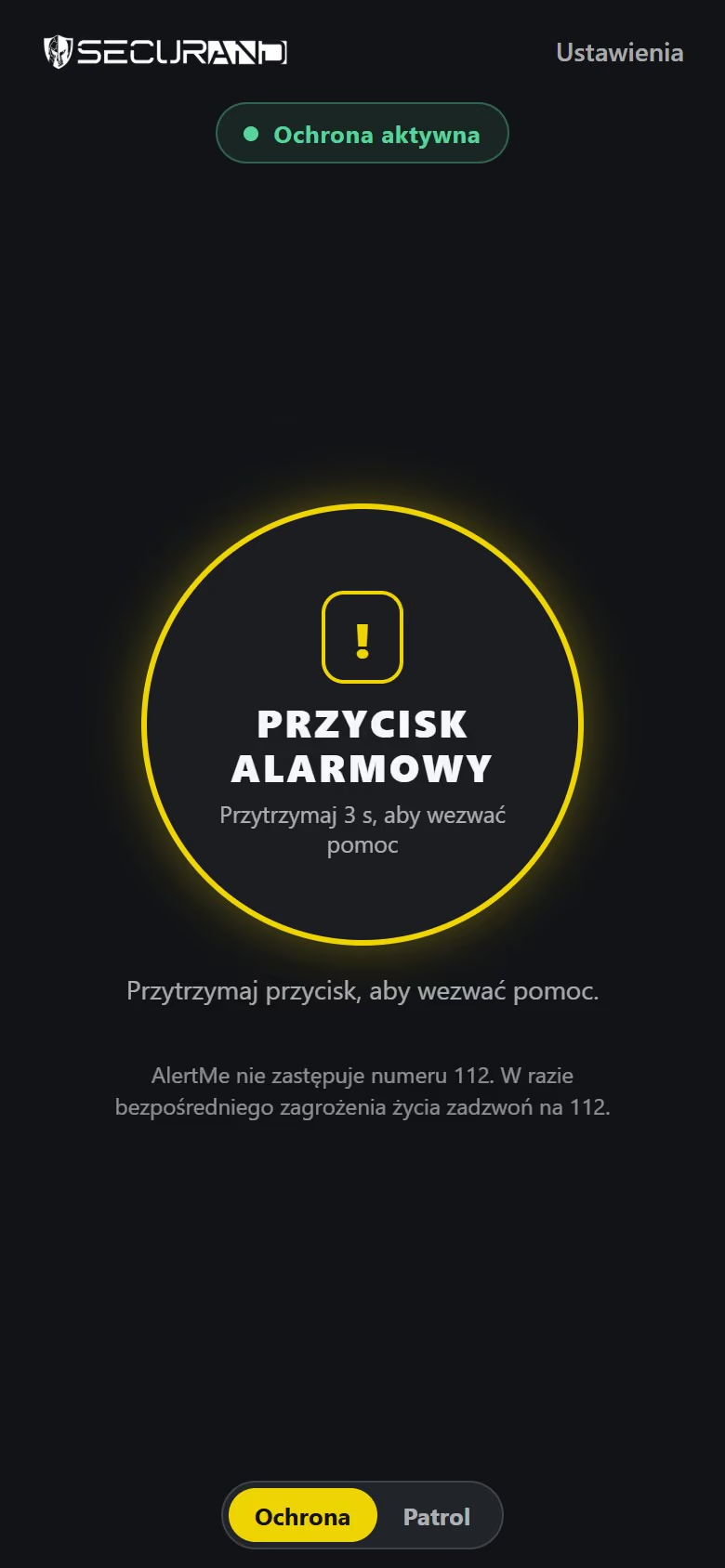
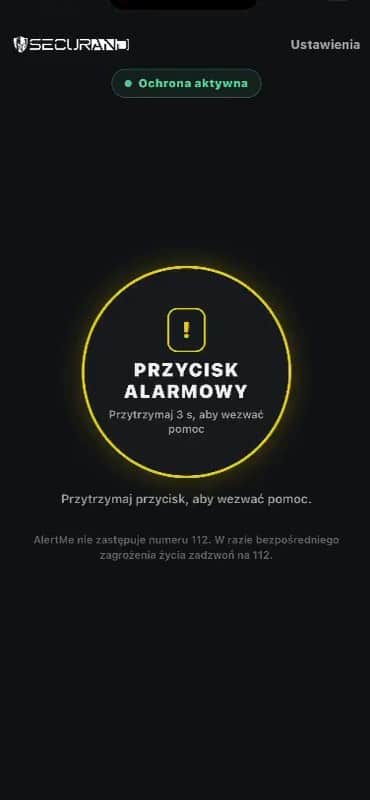
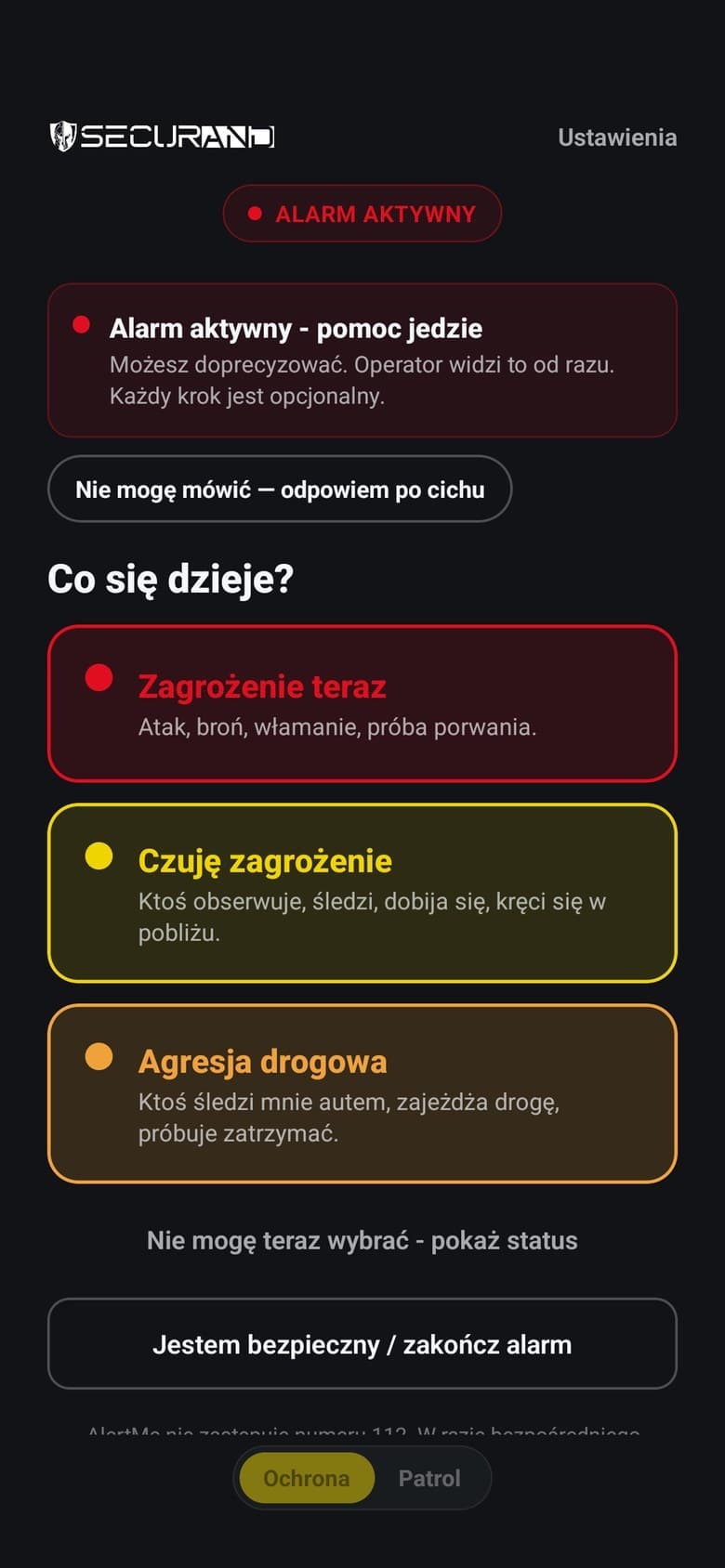
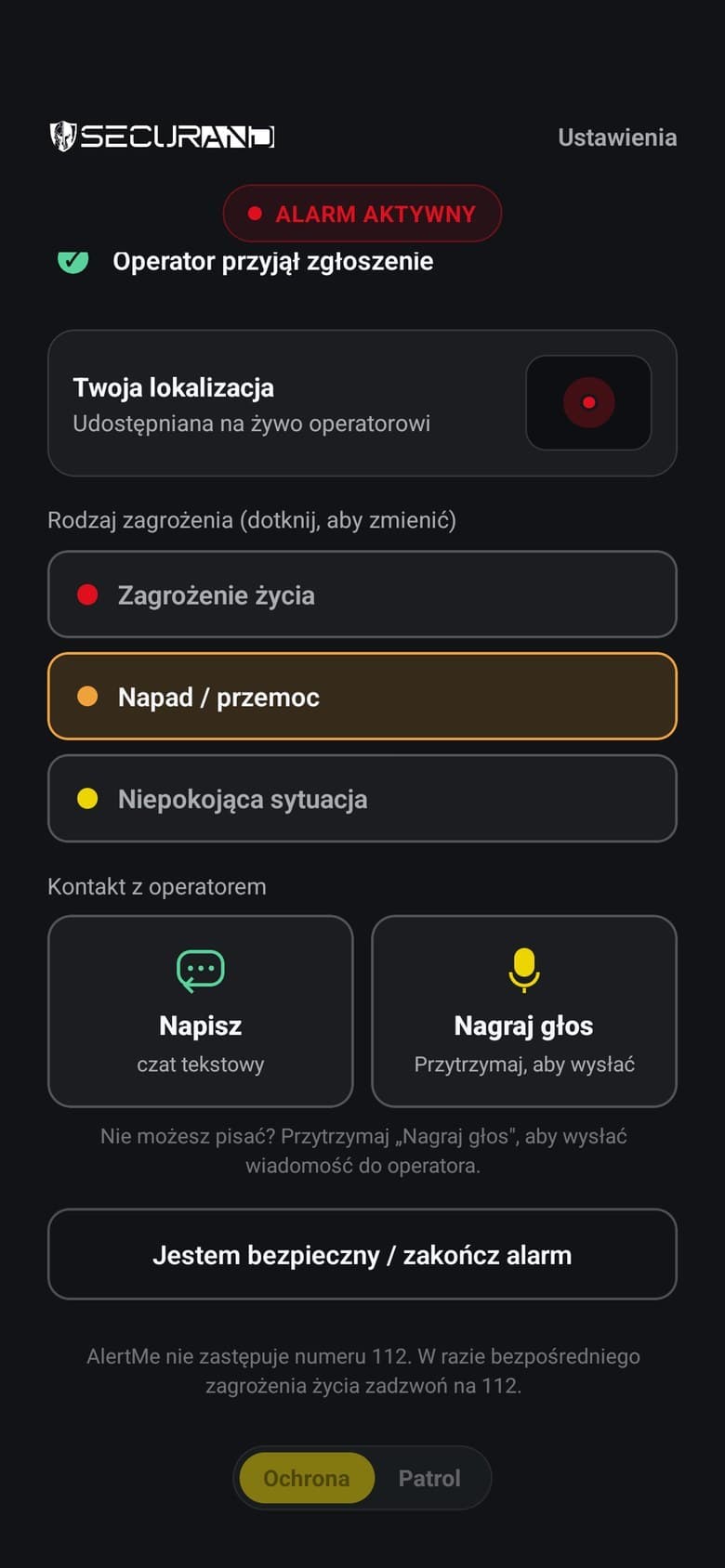
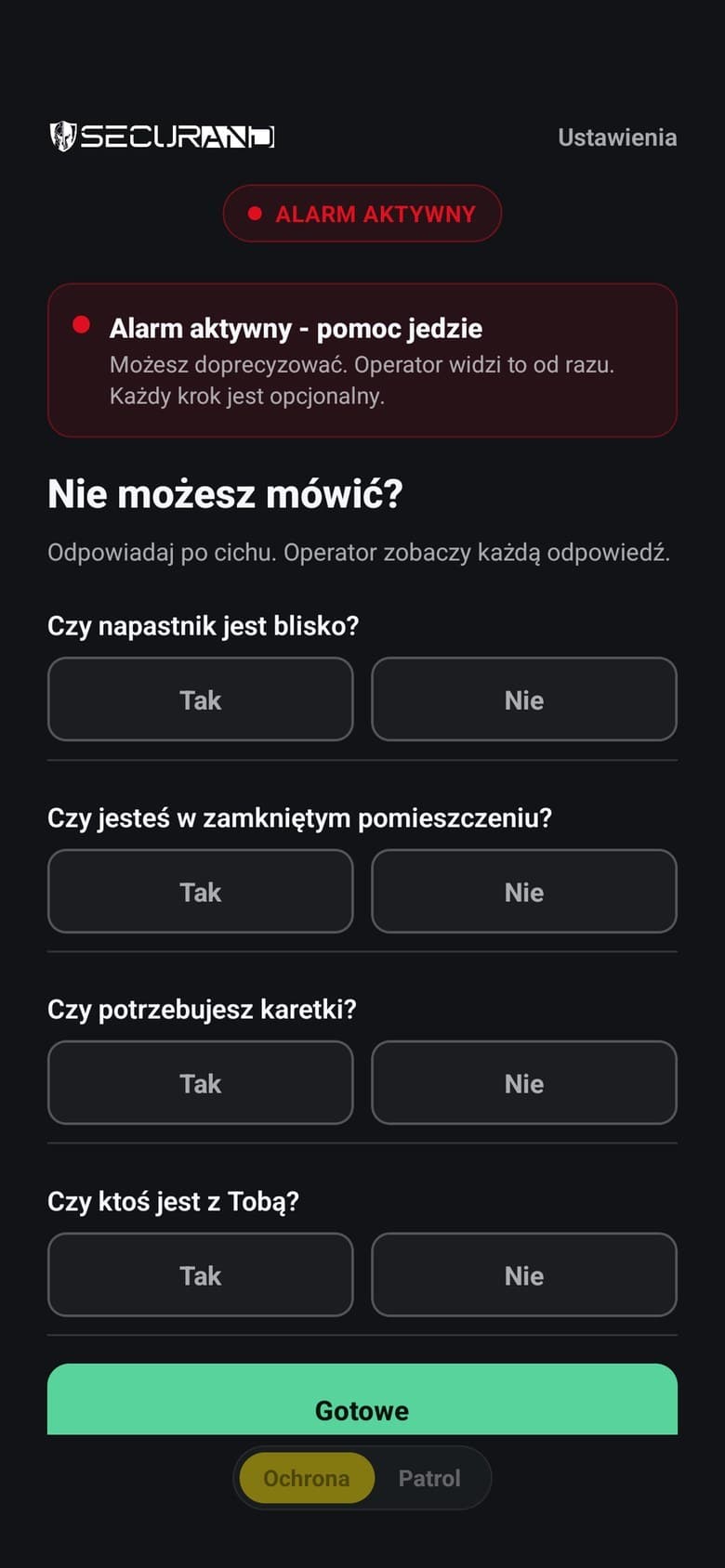
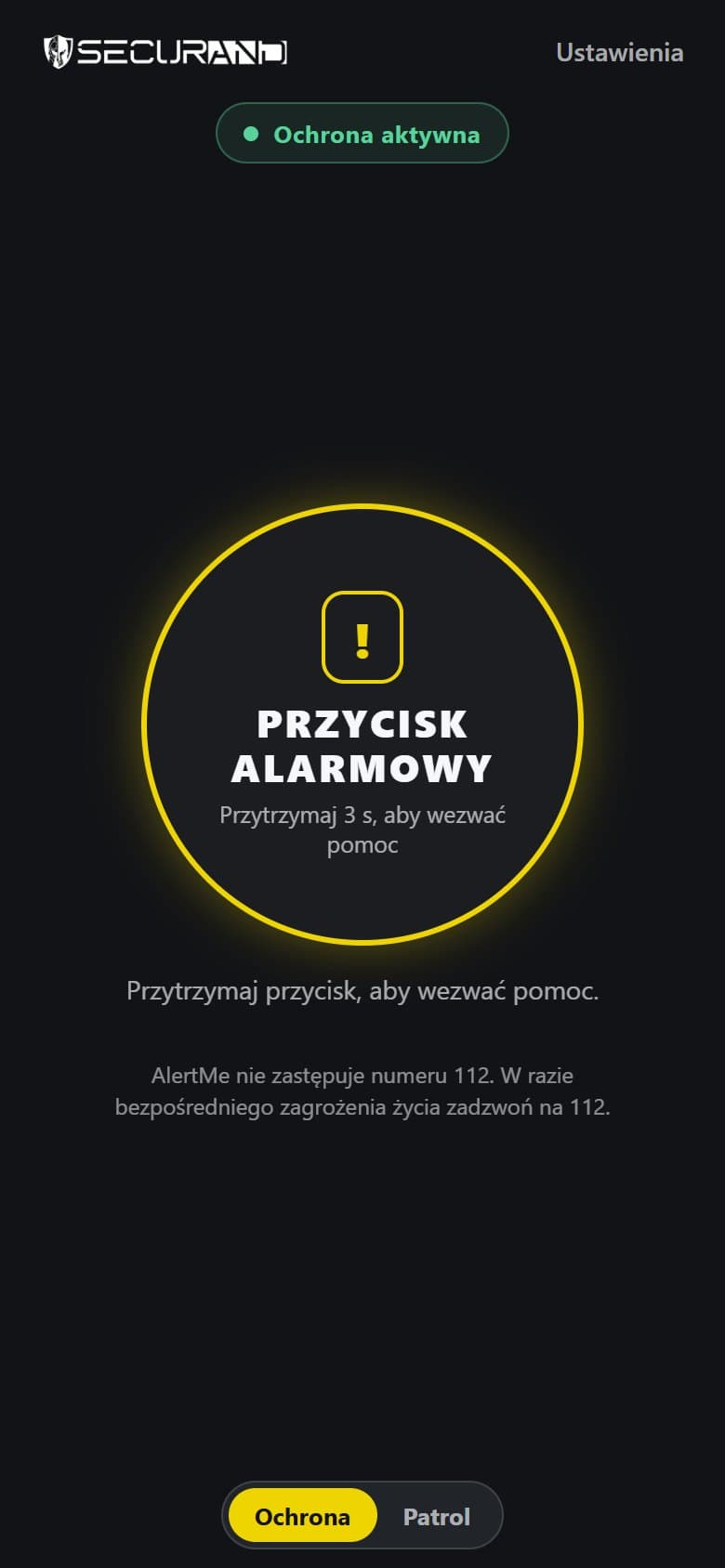
A three-second hold sends the alert, and letting go earlier stops the countdown. The alarm can also be raised without opening the app. The app then asks what is happening and where, with a silent yes-or-no mode, chat, voice messages and a driving mode with advice. The position reaches the control room only during an alarm, even with the screen locked.
We set the order of requirements before work began, from reliability and data protection to scale and ease of use. Without signal the phone stores the alert and retries until it arrives, exactly once. Nobody else can cancel a running alarm. The welcome screen explains why background location is needed before asking for it. In the settings the person lists contacts the control room may notify.
Patrol and duty officer's console
In the control room a siren sounds and an incident card opens with the photo, phone number, address, trail and a live map position. The duty officer takes the alert, sees how far the free patrols are from the person and sends the nearest one. If needed, they alert the police or the person's chosen contacts and close the case with a note. The console also holds a filterable incident history, patrol shift and route history, and a client search by phone number.
A crew on duty shares its position, so the duty officer sees which unit is closest. It gets the job in the same app and logs each stage of the intervention there. It can add photos, record an identity check, call for support or stream video with sound to the control room, and it chats with the duty officer. Equipment, app or vehicle faults go from the patrol to a separate list in the control room.
Reports, technology and stores
The step log becomes a printable or PDF incident report showing the whole intervention. A reports tab shows control room response times for the last thirty days, by type of threat. Written in React Native, the app has one codebase for iPhone and Android and an interface in Polish, English, Ukrainian and Spanish. The server and database run in Frankfurt, in the EU.
The app is on the App Store and Google Play. For publication we prepared the store listings, data collection declarations and the case for background location access. First launch walks through location permission and a test alarm marked as a trial.
Selected screens
Printed materials
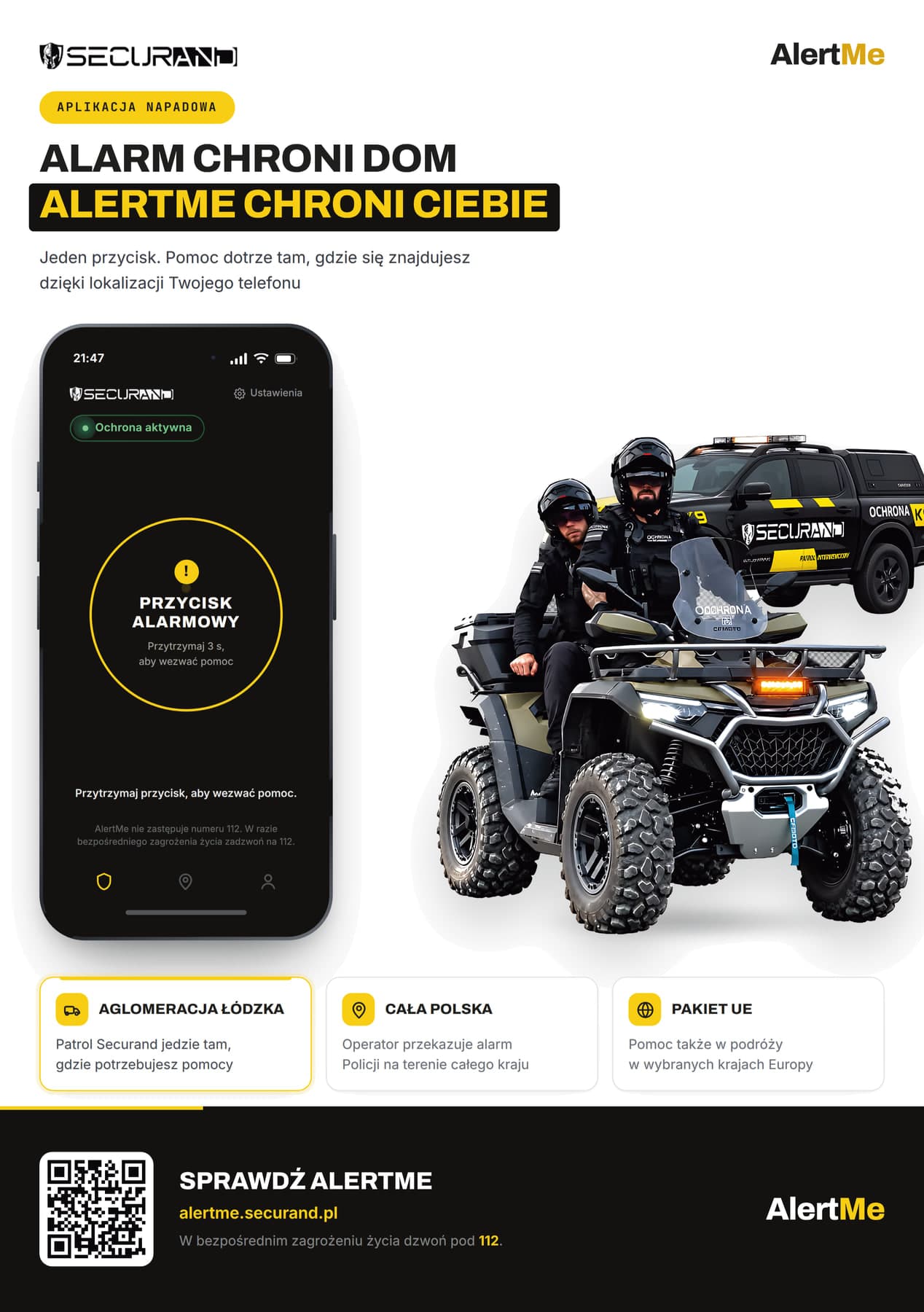
At the client's request we also prepared a leaflet for the app with a QR code and the product page address.
Planning a similar project? We give the exact price and timeline after a short conversation.
Ask for a quoteNext project
AMICO, workshop app
Quotes, contracts, certificates and invoices come out of one system, and fitters take the customer's signature on screen even with no signal.