Kontaktio
An in-house app for running projects, installed on a phone from the browser: tasks with deadlines, a team calendar and client billing.
- Own product
- Kontaktio
- Year
- 2026
- Scope
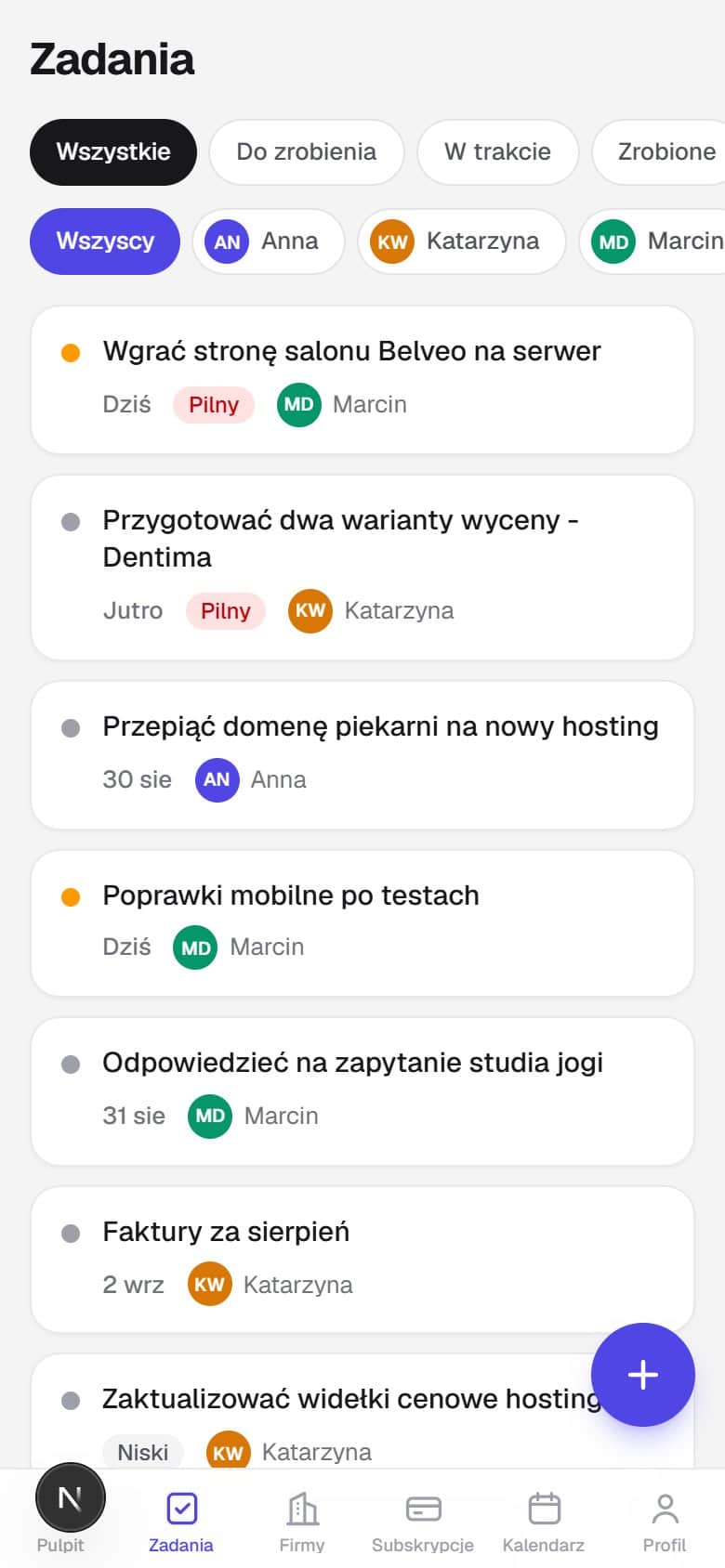
- Tasks with deadlines and priorities
- Personal and team calendars
- Morning reminders on the phone
- Roles and access to data
- Client billing and arrears
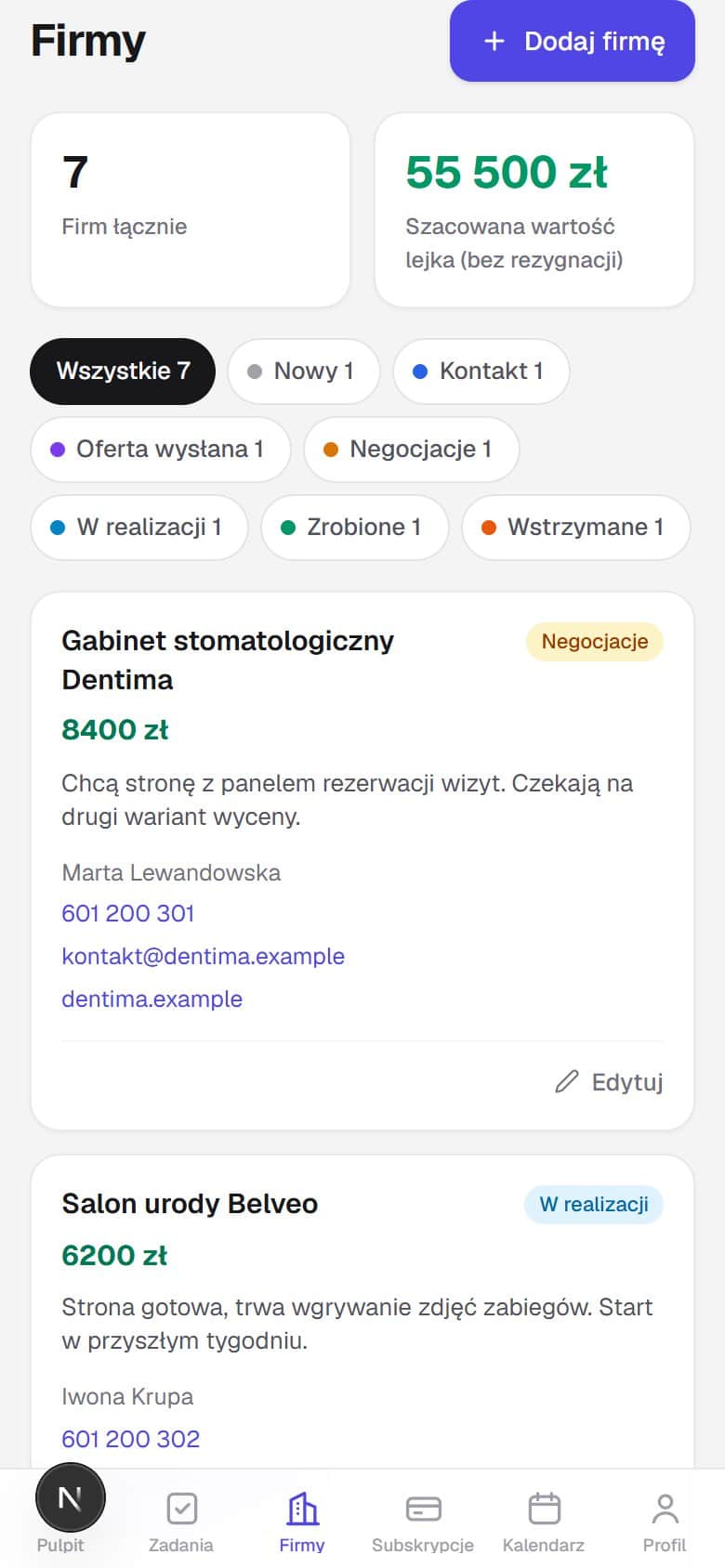
- Notes and company list
- Installs on a phone from the browser
/Problem
The decision to build our own tool came after a review of the task managers already available. They handled tasks and calendars, but not client billing periods, overdue payments or contract expiry dates, which is the part that determines revenue. Several projects run in parallel, each with its own schedule and billing period, so those figures had to sit in one place alongside the work. There were two assumptions. The primary device is a phone, and reminders about deadlines have to arrive without anyone opening the application. We were its first users.
/Approach
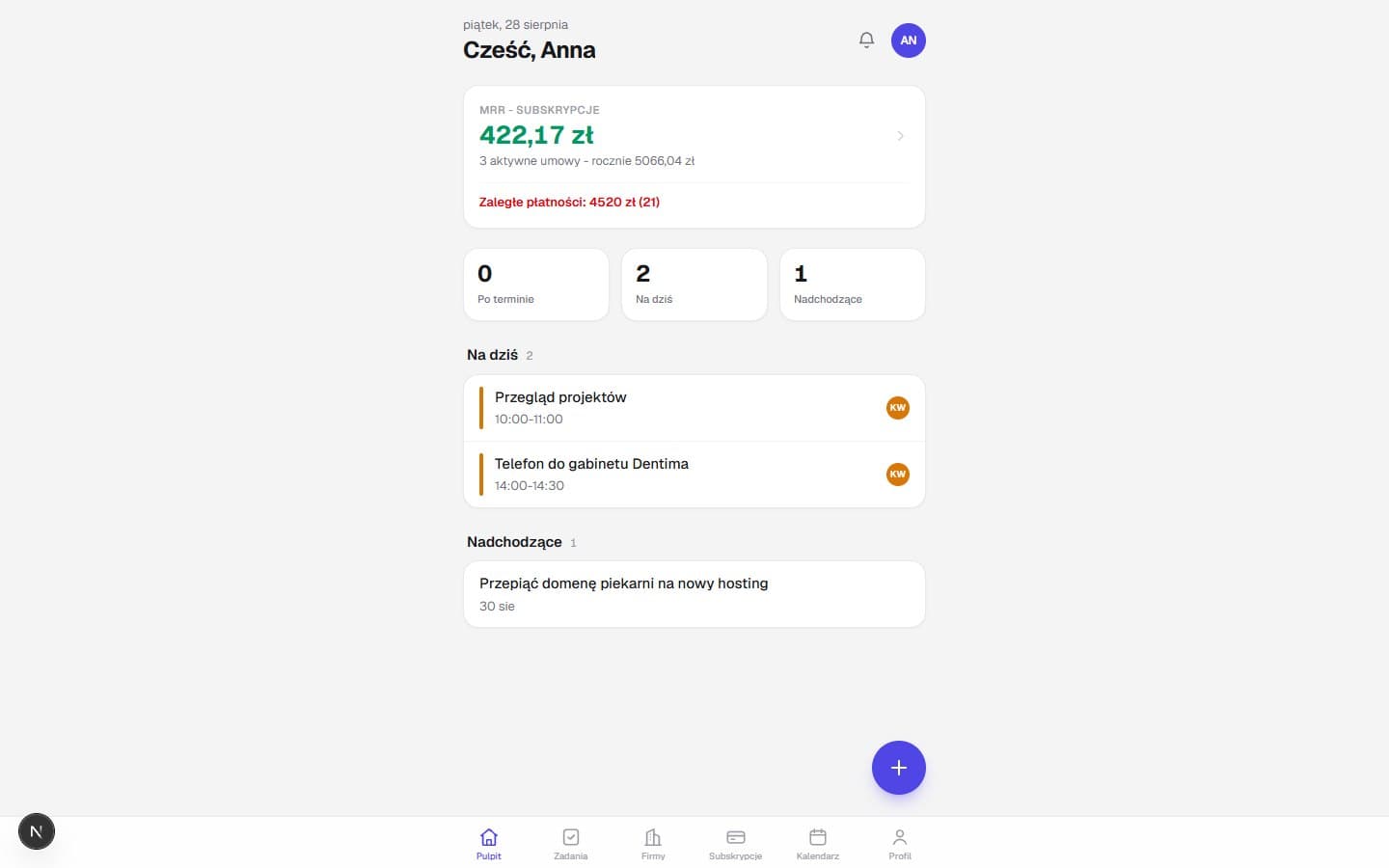
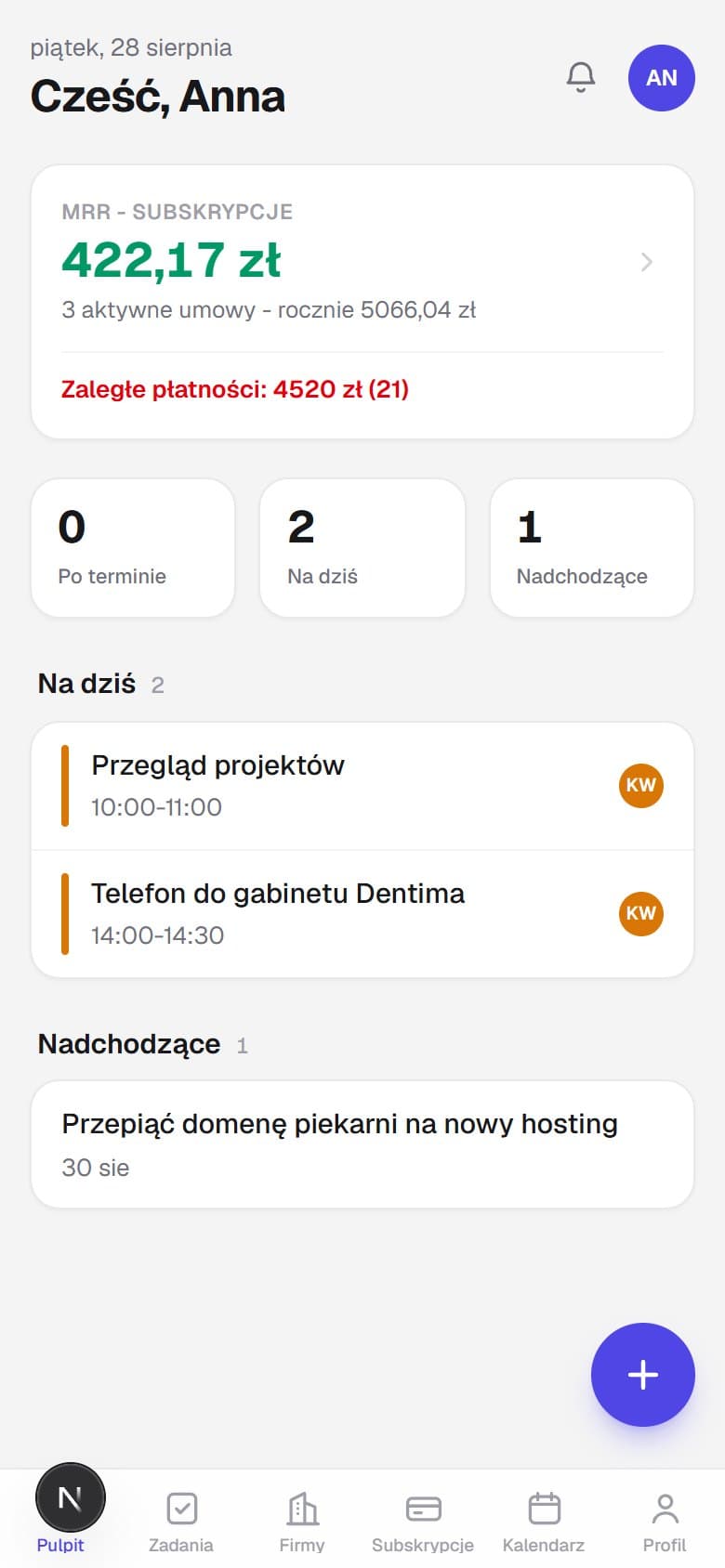
Layout started from a phone screen, because that is where most of the day's work arrives. On a computer the same app opens in the same column, with no second set of views to maintain. The app installs onto a phone straight from a browser, with no app store and no waiting for an update to be approved. The admin panel started as a separate section with a sidebar for wide screens and was folded into the mobile one while the app was still being built, since keeping two layouts inside one application had no justification. That left two roles and a single interface, differing only in the bottom bar, which holds six items for an admin and five for an employee.
/Solution
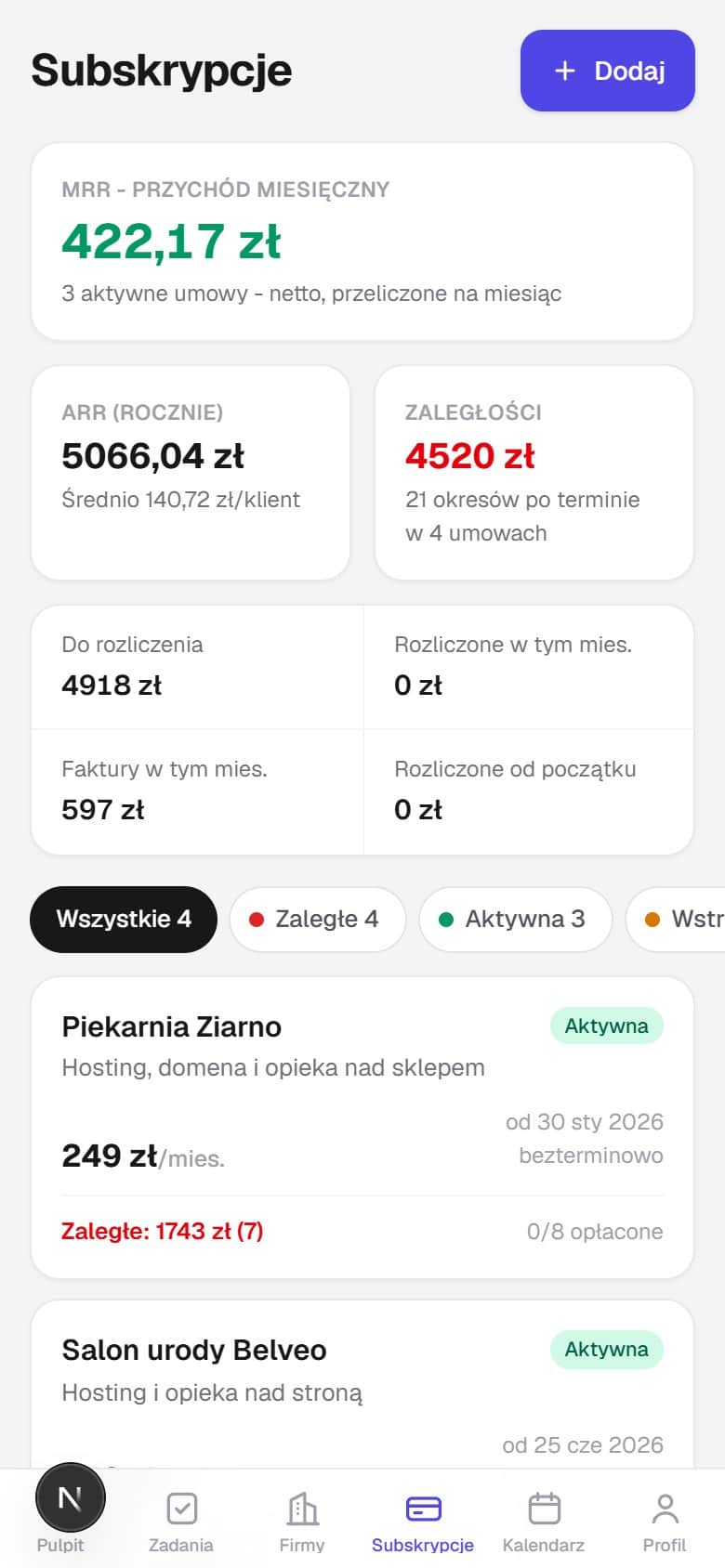
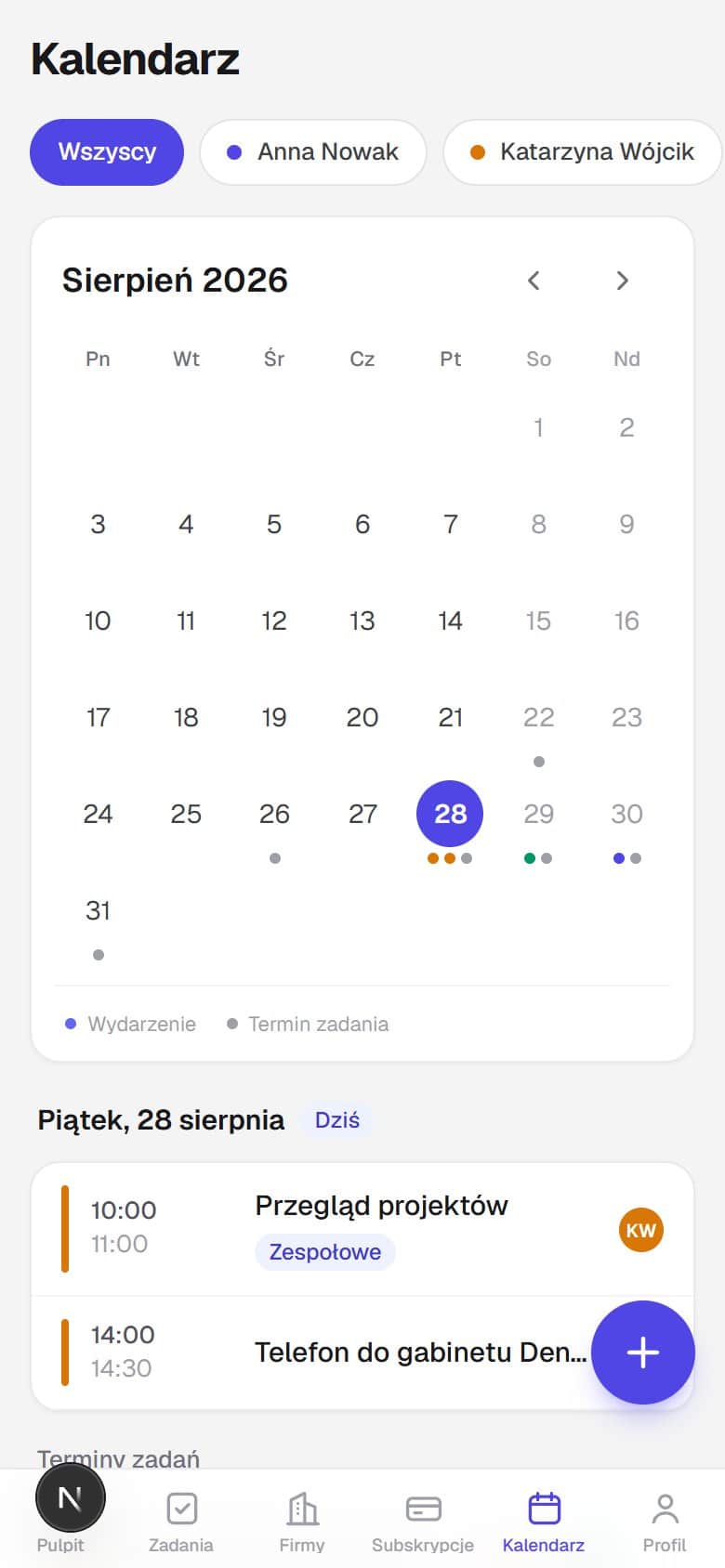
Opening it shows today's tasks, the overdue ones and the next events. The calendar is colour coded per person, so one glance answers who is where. Alongside sit notes, a company list and billing that works out monthly income, annual income and arrears on its own. Each person's work stays their own, since someone else's task will not open even when its address is typed in by hand, and guessing a password will not open someone else's account. Every morning at six a summary goes out with deadlines, overdue payments and contracts ending within the week. Reminders travel two ways, as an entry in the app and as a notification on the phone, even while the app is closed.
/Result
We have used it every day since June 2026. The morning summary arrives before anyone picks up a phone, the billing spreadsheet is no longer needed, and asking on chat who is where has stopped. Monthly upkeep costs close to nothing, because there is not a single subscription underneath it. Every change is tested on our own work first, before it reaches a system we build for a client.
Got a similar project?
Tell us what you want to build. You will get a straight answer: what is achievable within the intended deadline, in what order, and which materials we need to start.